Ironback vs Prompt Builder
Side-by-side comparison to help you choose the right tool.

Ironback
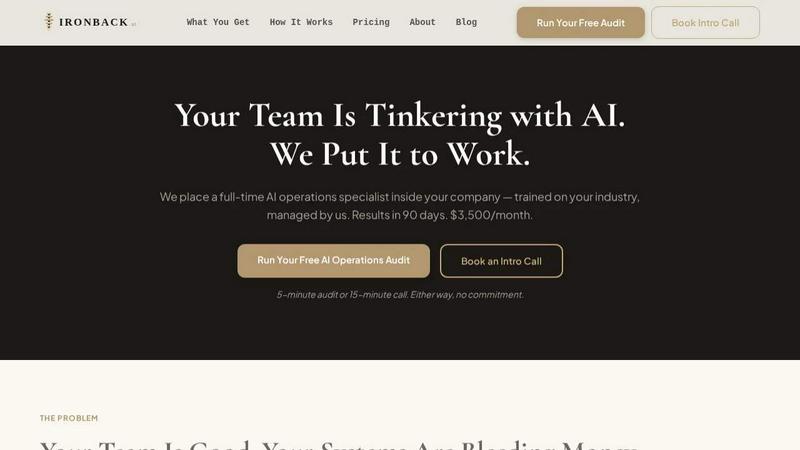
Ironback places a dedicated AI operations specialist in your company to automate processes and boost efficiency, saving you up to $200,000 annually.
Last updated: April 4, 2026

Prompt Builder
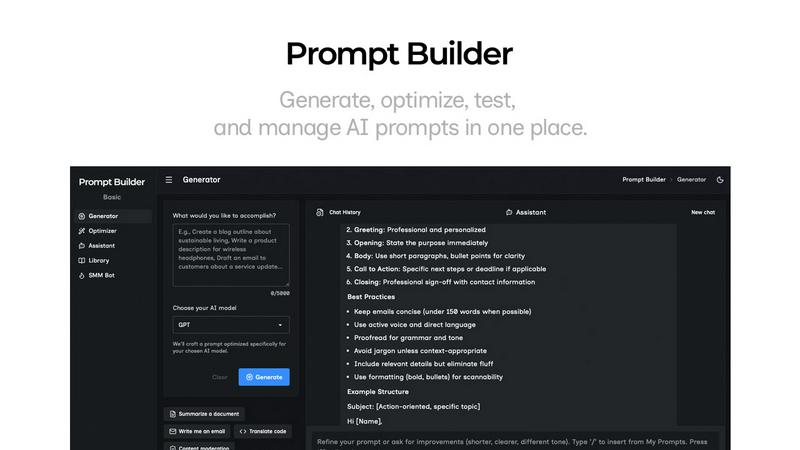
Generate, optimize, test, and manage AI prompts in one place. Turn an idea into a ready-to-use prompt in seconds.
Visual Comparison
Ironback
Prompt Builder
Overview
About Ironback
Ironback is an innovative solution designed specifically for service companies looking to optimize their operational efficiency through artificial intelligence. By embedding a full-time AI operations specialist directly into your business, Ironback addresses common inefficiencies in areas such as call handling, estimating, scheduling, and compliance. This tailored approach ensures that your operations are managed by someone who understands your industry, while also benefiting from ongoing training and management provided by Ironback. The result is a significant reduction in operational costs, with guaranteed savings of over $50,000 following a two-week assessment. Ironback is ideal for companies that have tried software solutions and hiring additional staff but still struggle with process inefficiencies. With Ironback, you get a dedicated expert who streamlines your operations and maximizes your revenue potential.
About Prompt Builder
Prompt Builder is a prompt engineering workspace for writing, testing, and saving prompts. Describe the task in plain English, and it helps you create a prompt that matches the model you choose. Start with a draft, refine it in chat, save or pin versions, then run them when you are ready. It works with GPT, Claude, Gemini, Llama, Mistral, DeepSeek, Grok, Perplexity, and more. You also get an Optimizer, an assistant for quick tests, and a library of reusable prompts and templates from the community. Turn an idea into a ready-to-use prompt in seconds. Refine it in chat, save it to your Library, and run it anytime.