
Quitar Fondo vs Text Remover
Side-by-side comparison to help you choose the right tool.

Quitar Fondo
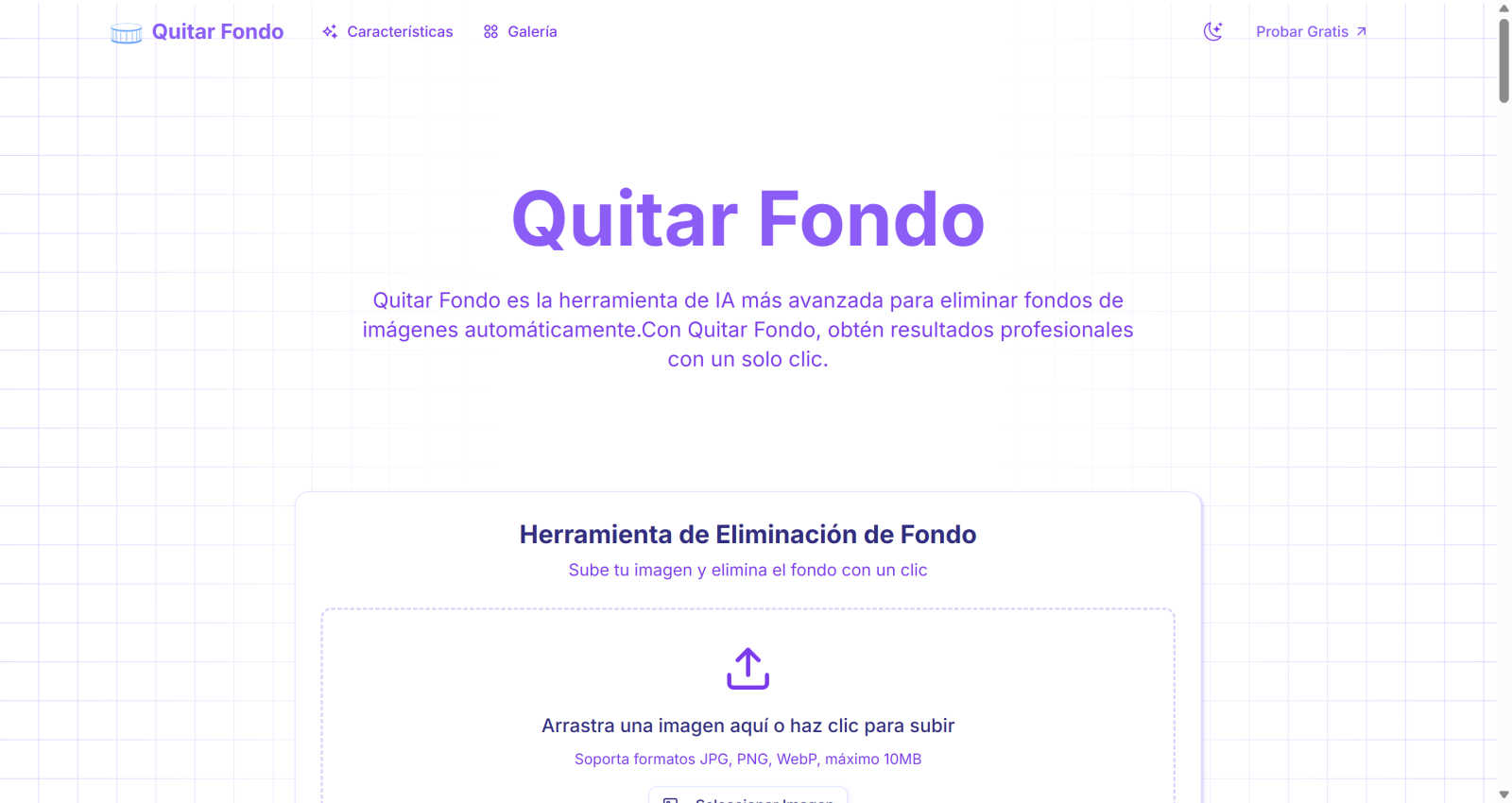
Quitar Fondo instantly removes any image background with AI for professional results in one click.
Last updated: March 1, 2026

Text Remover
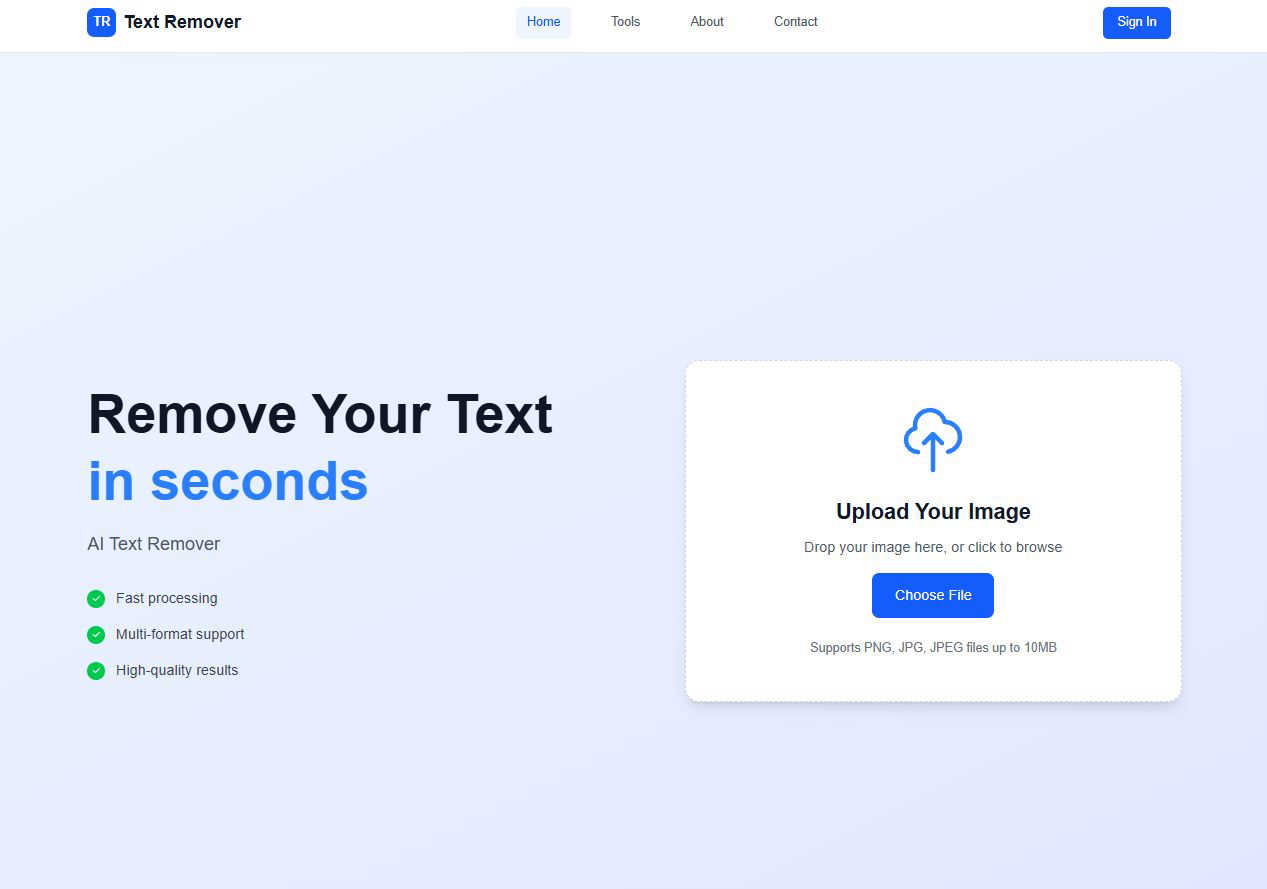
Effortlessly erase unwanted text from images, enhancing privacy and creating professional visuals in seconds.
Last updated: March 1, 2026
Visual Comparison
Quitar Fondo
Text Remover
Feature Comparison
Quitar Fondo
Advanced AI & Machine Learning
Powered by state-of-the-art deep learning algorithms trained on millions of images, Quitar Fondo delivers unparalleled accuracy. This technology enables the tool to intelligently distinguish between the main subject and its background, ensuring clean, professional cuts every single time, even with challenging details.
Precision Edge Detection
The AI specializes in detecting and preserving complex, fine details that are typically difficult to isolate manually. It automatically recognizes and accurately cuts around wispy hair, animal fur, intricate fabric patterns, and transparent objects, providing a level of precision that rivals manual Photoshop work.
Ultra-Fast Cloud Processing
Quitar Fondo processes your images on powerful cloud servers, delivering results in just seconds. This speed eliminates frustrating wait times and does not consume your local device's resources, allowing you to batch-process images quickly and efficiently without any slowdown.
Multi-Format Support & High-Quality Output
The tool offers maximum flexibility by supporting all popular image formats, including JPG, PNG, WEBP, and GIF. Regardless of the input, you always download your processed image instantly in high resolution with a transparent background, guaranteeing it's ready for professional use in any project.
Text Remover
AI-Powered Accuracy
Text Remover utilizes advanced machine learning algorithms to ensure precise text removal. This feature guarantees that the background remains intact and undamaged, allowing users to maintain the original aesthetic of their images while effectively eliminating unwanted text.
Multiple Format Support
Our tool supports a variety of image formats including PNG, JPG, and JPEG. This flexibility allows users to work with their preferred file types, ensuring that the text removal process meets their specific needs without any compatibility issues.
Batch Processing
Efficiency is key, and with Text Remover's batch processing feature, users can remove text from multiple images simultaneously. This saves time and effort, making it ideal for professionals who need to handle large volumes of images quickly and effectively.
Quality Preservation
Text Remover is designed to maintain the original resolution and quality of images during the text removal process. Users can trust that their images will look just as good, if not better, after using the tool, ensuring that the final product meets professional standards.
Use Cases
Quitar Fondo
E-commerce Product Listings
Online store managers can rapidly process hundreds of product photos, removing distracting or inconsistent backgrounds to create clean, white-background images that meet marketplace standards. This streamlines catalog creation, enhances product presentation, and boosts sales with a professional storefront.
Social Media & Marketing Content Creation
Social media managers and content creators can instantly isolate subjects to design compelling graphics, ads, and posts. By easily placing products or people onto new backgrounds or branded templates, they can produce high-volume, visually engaging content that captures audience attention quickly.
Professional Photography & Portfolios
Photographers can save hours of post-production work by using Quitar Fondo to extract subjects from portraits or event photos. This allows for swift background replacement for creative composites or the creation of clean, subject-focused images perfect for client deliveries and professional portfolio presentation.
Graphic Design Projects
Graphic designers can seamlessly integrate elements from various sources into their compositions. Whether for advertisements, brochures, or digital art, the tool provides perfectly cut assets in seconds, accelerating the design process and freeing up time for more complex creative tasks.
Text Remover
Social Media Content
Social media managers can benefit from Text Remover by easily removing watermarks, timestamps, or unwanted text overlays from their images. This ensures that the visuals shared on various platforms are clean and engaging, helping to capture audience attention.
Photography
Photographers often need to clean up their images by removing price tags, labels, or promotional text. Text Remover allows for precise editing, enabling photographers to present their work in the best light without distractions that could detract from their artistic vision.
Meme Creation
For meme creators, starting with a clean slate is essential. Text Remover makes it easy to remove existing text from memes, allowing users to infuse their own creativity and humor into the images, leading to more engaging and shareable content.
Privacy Protection
In today's digital age, protecting personal information is crucial. Text Remover helps users safeguard their privacy by allowing them to delete sensitive information, such as addresses or phone numbers, from images, ensuring compliance with data protection regulations.
Overview
About Quitar Fondo
For photographers, designers, and marketers, manually removing a background from an image is a notorious time-sink. It demands precision, expensive software like Photoshop, and a steep learning curve, often resulting in hours of tedious work for a single image. This bottleneck slows down creative workflows, delays product launches, and inflates project costs, especially when dealing with high volumes of images for e-commerce or social media. The challenge is clear: how can professionals achieve studio-quality, transparent-background images without the complexity, cost, and time commitment of traditional editing?
Quitar Fondo is the definitive solution to this universal creative problem. It is a cutting-edge, AI-powered web tool designed to automate background removal with remarkable, professional-grade precision. The platform serves a diverse audience, including photographers, graphic designers, e-commerce managers, and social media marketers who need flawless results instantly. Its core value proposition is delivering immense time and cost savings. With a single click, users upload an image, and advanced deep learning algorithms intelligently detect the subject—down to complex edges like hair and fur—and eliminate the background, outputting a high-quality, transparent PNG ready for use. By transforming a task that once required expert skill into an effortless, instantaneous process, Quitar Fondo empowers users to elevate their visuals, streamline their workflow, and focus on the creative and strategic aspects of their work.
About Text Remover
Text Remover is an innovative AI-powered tool designed to swiftly eliminate unwanted text from images, catering to a diverse range of users including photographers, social media managers, and graphic designers. This tool is engineered to enhance workflows by providing users with the ability to produce clean, professional visuals effortlessly. Whether you need to remove distracting overlays, watermarks, or any text that diminishes the visual impact of your content, Text Remover stands ready to assist. Its core value proposition lies in maintaining high image quality while ensuring rapid processing times. With a user-friendly interface, it empowers even those without technical skills to leverage the power of artificial intelligence for creating stunning visuals, ensuring that every image is polished and professional. By focusing on user experience and efficiency, Text Remover aims to be the go-to solution for all your image editing needs.
Frequently Asked Questions
Quitar Fondo FAQ
What image formats does Quitar Fondo support?
Quitar Fondo supports a wide range of popular image formats to ensure maximum compatibility. You can upload images in JPG, PNG, WEBP, and GIF formats. The processed output is typically delivered as a high-quality PNG file with a transparent background, ready for use in any design software or platform.
How accurate is the background removal, especially with complex edges?
The tool utilizes advanced AI trained specifically to handle complex edges. It excels at precisely detecting and cutting around difficult details like human hair, animal fur, lace, and foliage. While results are highly accurate and professional for the vast majority of images, extremely low-contrast subjects may require minor manual touch-ups.
Is there a limit to how many images I can process?
Quitar Fondo is designed for unlimited use. You can process as many images as you need without restrictions or hidden limits. This makes it an ideal solution for both one-off projects and high-volume tasks like processing entire e-commerce catalogs or batches of social media content.
How long does it take to remove a background?
Processing is incredibly fast. On average, Quitar Fondo removes the background from an image in just about 3 seconds. The speed is consistent thanks to powerful cloud servers, allowing you to work efficiently without any delays, regardless of how many images you need to edit.
Text Remover FAQ
How does Text Remover ensure the quality of the images after text removal?
Text Remover employs advanced algorithms that not only focus on text removal but also prioritize quality preservation. This means that the original resolution and details of the image are maintained, resulting in a polished final product.
What file formats does Text Remover support?
Text Remover supports a variety of popular image formats, including PNG, JPG, and JPEG. This ensures that users can work with their preferred file types without any compatibility issues.
Is there a limit to how many images I can process at once?
Yes, with the batch processing feature, users can remove text from multiple images at the same time. This feature is particularly beneficial for professionals who need to manage large volumes of images efficiently.
How can I ensure my privacy while using Text Remover?
Text Remover focuses on user privacy by processing images securely without storing them on external servers. Once the text removal is complete, users can download their images directly, ensuring that their content remains confidential.
Alternatives
Quitar Fondo Alternatives
Quitar Fondo is an AI-powered background removal tool that automates the process of creating clean, transparent images in seconds. It falls into the categories of AI assistants and image editing software, designed to save time for professionals and casual users alike. Users often seek alternatives for various reasons. Budget constraints can lead to searches for free or more affordable options. Others might need specific features like batch processing, higher resolution outputs, or integration with other platforms that their current workflow requires. The need for a different user experience or platform compatibility, such as a desktop application versus a web tool, also drives this exploration. When evaluating other options, consider your primary needs. Key factors include the accuracy of the AI on your specific image types, the speed of processing, supported file formats, and the overall cost versus value. The ideal alternative should solve your core challenge—removing backgrounds efficiently—while fitting seamlessly into your existing tools and budget.
Text Remover Alternatives
Text Remover is an advanced AI-powered tool designed to efficiently eliminate unwanted text from images, belonging to the category of AI Assistants. Users often seek alternatives to Text Remover for various reasons, including pricing concerns, specific feature requirements, or compatibility with different platforms. As the demand for high-quality visuals grows, finding a solution that matches one’s unique workflow becomes essential. When considering alternatives, users should prioritize features such as ease of use, image quality preservation, and batch processing capabilities. Additionally, compatibility with various image formats and the level of AI accuracy should be key factors in ensuring that the chosen tool meets their needs without compromising visual integrity or efficiency.