Filator vs Playwriter
Side-by-side comparison to help you choose the right tool.

Filator
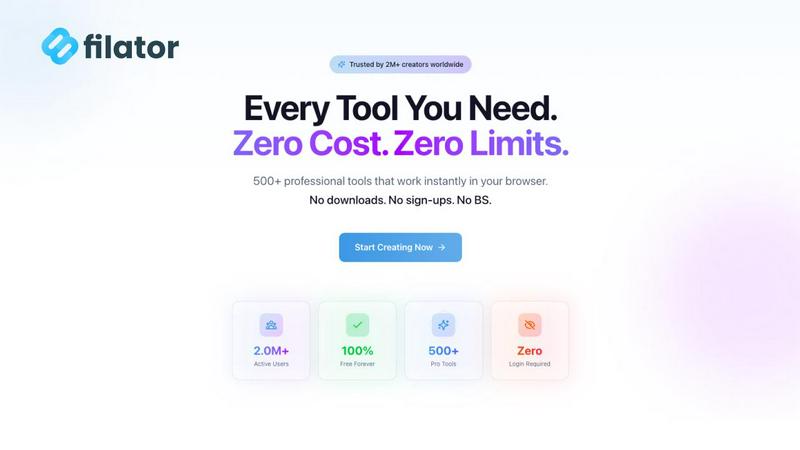
Filator offers 500+ free tools to create, convert, and automate tasks instantly without any signup.
Last updated: March 1, 2026

Visual Comparison
Filator
Playwriter

Overview
About Filator
Filator is the ultimate digital workspace designed to solve a common modern professional problem: the frustrating, time-consuming hunt for reliable online tools. Professionals waste countless hours switching between different websites, creating accounts, and dealing with data limits or watermarked outputs. Filator tackles this head-on by providing a comprehensive, unified platform with over 500 utilities for tasks ranging from PDF processing and image conversion to AI-powered content generation and developer workflows. It's built for developers, designers, marketers, students, and anyone who needs quick, professional results without friction. The core value proposition is powerful simplicity: instant access to pro-grade tools with zero signup requirements, no data collection, and transparent pricing. Your data stays on your device, your privacy is respected, and you can start working the moment you land on the site. Filator empowers you to finish work faster by eliminating the barriers between you and the tools you need.
About Playwriter
AI agents cannot browse the web properly. They either have no browser access, or they get a fresh Chrome with no logins, no extensions, and instant bot detection. Playwriter gives them your actual browser session instead. One Chrome extension, full automation API, everything you are already logged into. Includes accessibility snapshots (5-20KB instead of 100KB+ screenshots), a debugger with breakpoints, live code editing, network interception, and video recording. Works with any MCP client: Cursor, Claude, VS Code, and more. Open source, MIT licensed.