LinkMyAgency vs Playwriter
Side-by-side comparison to help you choose the right tool.

LinkMyAgency
Effortlessly streamline client onboarding and manage access securely with LinkMyAgency's branded link solution.
Last updated: March 1, 2026

Playwriter
Playwriter lets AI agents control your real Chrome browser with all your logins and extensions intact.
Last updated: March 18, 2026
Visual Comparison
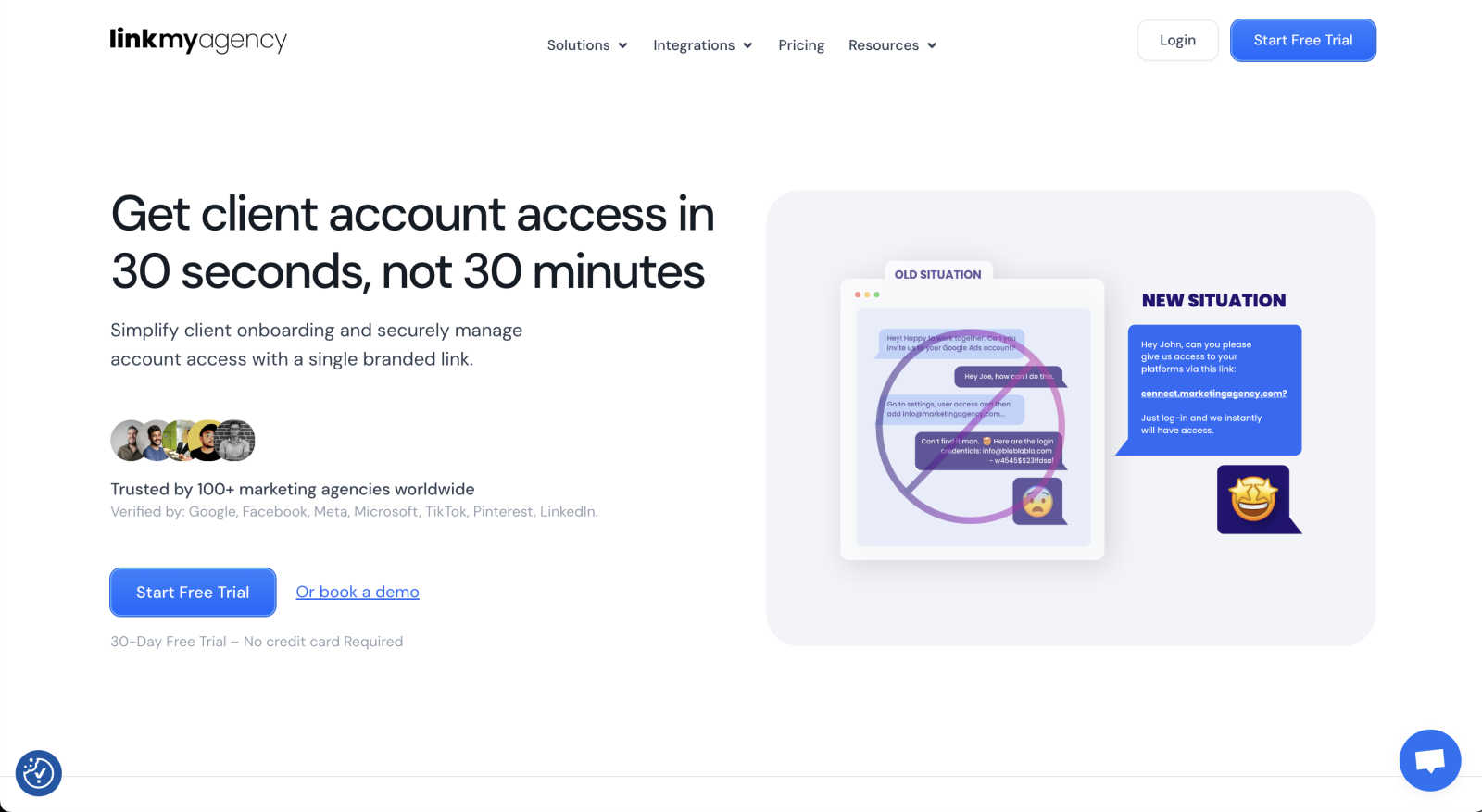
LinkMyAgency
Playwriter

Feature Comparison
LinkMyAgency
Fast Account Linking
LinkMyAgency allows agencies to send clients a single branded link for account access, drastically reducing the typical setup time from 30 minutes to just 30 seconds. This feature enhances operational efficiency and client satisfaction.
Enhanced Security Protocols
The platform prioritizes security by utilizing OAuth access, which is a trusted authentication method used by leading platforms. This ensures that sensitive credentials remain secure and never shared, providing peace of mind for both agencies and clients.
Automatic Updates and Maintenance
LinkMyAgency is designed to automatically stay up-to-date, managing guides and troubleshooting in the background. Agencies can rest assured that they are using the latest version and features without needing to perform manual updates.
Professional Onboarding Experience
By offering a seamless and efficient account linking process, LinkMyAgency enhances the professionalism of an agency's onboarding experience. This feature not only saves time but also reinforces the agency's brand image in front of clients.
Playwriter
Your Actual Browser Session
Playwriter's cornerstone feature is its ability to let AI agents control your real, logged-in Chrome browser. Instead of launching a fresh, suspicious-looking headless instance, the agent operates directly in your existing window. All your cookies, active sessions on sites like Gmail or GitHub, and essential extensions (like password managers or ad blockers) are present and functional. This eliminates bot detection triggers that stem from "clean" browser fingerprints and removes the massive overhead of manually scripting login sequences for every automated task.
Full Playwright API via a Single Tool
Unlike other solutions that expose a limited, pre-defined set of tools (like "click" or "type"), Playwriter grants agents the full power of the Playwright automation library through one versatile execute command. The agent can write and run any Playwright code, enabling complex operations like performance profiling, setting JavaScript breakpoints, intercepting and modifying network requests, or taking efficient accessibility snapshots. This "one tool to rule them all" approach avoids the context window bloat of dozens of individual tool definitions and provides maximum flexibility.
Real-Time Human-in-the-Loop Collaboration
This feature transforms automation from a fire-and-forget script into an interactive partnership. You watch the agent perform actions live in your browser tab. If it encounters a captcha, a two-factor authentication prompt, or a quirky website dialog, you can simply solve it yourself. If the agent gets lost, you can temporarily disable control on that tab, manually navigate to the correct state, and re-enable the agent to continue. This collaborative debug loop makes complex, real-world automation feasible and reliable.
Advanced Debugging & Inspection Suite
Playwriter is built for development, not just execution. It includes a powerful suite of debugging tools: live code editing, breakpoints to pause execution, network request interception to mock APIs or analyze traffic, and built-in screen recording. Crucially, it uses compact accessibility snapshots (5-20KB) instead of bulky full-page screenshots, providing AI agents with a lightweight, semantic understanding of the page structure for reliable element selection and action planning.
Use Cases
LinkMyAgency
Streamlining Client Onboarding
Agencies can use LinkMyAgency to streamline the onboarding process for new clients. By sending a single link for account access, the time and effort involved in traditional setups are significantly reduced, allowing agencies to onboard clients quickly and efficiently.
Reducing Training Time
LinkMyAgency minimizes the training time required for clients to access their advertising accounts. With easy-to-follow instructions embedded in the linking process, clients can navigate their accounts without extensive support from agency staff.
Enhancing Client Trust
By utilizing LinkMyAgency's secure linking features, agencies can build trust with their clients. The assurance that sensitive credentials are protected fosters a positive relationship and encourages clients to engage more openly with their agency.
Focusing on Core Services
With LinkMyAgency handling account access and updates, agencies can concentrate on delivering their core services. This allows teams to focus on strategy and execution rather than getting bogged down in administrative tasks related to client account setup.
Playwriter
Automated Data Aggregation & Research
For professionals who need to compile reports from multiple web sources, Playwriter is ideal. An AI agent can be instructed to log into your premium news portal, search for specific terms, navigate through paginated results, extract key information, and format it into a document—all while maintaining your subscription login state and bypassing paywalls that would block a fresh browser session.
Streamlined QA and Testing Workflows
Developers and QA engineers can use Playwriter to create and run complex, stateful test scenarios directly in a production-like browser environment. The agent can test multi-step user journeys that depend on being logged in, such as adding items to a cart, applying user-specific coupons, and proceeding to checkout, with the human tester observing and intervening only for non-automatable steps.
AI-Assisted Daily Administrative Tasks
Automate repetitive daily web tasks without security compromises. Instruct your AI to log into your company's HR portal and submit a timesheet, check specific metrics on a logged-in analytics dashboard, or moderate comments on a CMS where you are already authenticated. Since it uses your session, there's no need to share sensitive credentials with a third-party automation service.
Interactive Web Scraping and Monitoring
For projects that require scraping data from websites with complex authentication or anti-bot measures, Playwriter provides a robust solution. The AI can navigate these sites using your legitimate session, handle JavaScript-rendered content with ease using Playwright's full API, and set up monitoring scripts that alert you when specific page content changes, all while you maintain oversight.
Overview
About LinkMyAgency
LinkMyAgency is a groundbreaking solution designed specifically for advertising agencies that require a streamlined method to access their clients' advertising and analytics accounts. Traditional methods often necessitate a lengthy and cumbersome process where agencies guide clients through various settings, consuming up to 30 minutes of valuable time. LinkMyAgency transforms this process by allowing agencies to send a single branded link that clients can use to connect their accounts in just 30 seconds. This not only significantly boosts efficiency but also enhances the professionalism of the agency's onboarding experience. Security is a paramount concern; thus, LinkMyAgency employs OAuth access, which is trusted by major platforms such as Google, Meta, TikTok, and LinkedIn, ensuring that sensitive credentials are never shared. The platform is built to stay current automatically, handling updates, guides, and troubleshooting in the background, enabling agencies to focus on delivering outstanding services to their clients without the hassle of manual configurations.
About Playwriter
Playwriter is a revolutionary open-source tool that solves the fundamental problem of web browsing for AI agents. Traditional methods force agents to work in isolated, "clean" browser environments devoid of personal data, leading to instant bot detection, broken workflows, and repetitive manual logins. Playwriter flips this model entirely. It gives AI agents direct, programmable access to your actual Chrome browser session through a simple extension and CLI. This means your agents can operate in a browser that already has all your cookies, active logins, installed extensions, and user-specific settings. The core value proposition is seamless human-AI collaboration: the AI handles the tedious, repetitive automation tasks, while you remain in control, able to oversee actions in real-time and intervene instantly for captchas, consent dialogs, or unexpected issues. Built on the robust Playwright API and adhering to the Model Context Protocol (MCP), it integrates with popular clients like Cursor, Claude Desktop, and VS Code, offering a powerful, low-context automation platform that works within your existing digital environment without spawning extra processes or consuming significant additional memory.
Frequently Asked Questions
LinkMyAgency FAQ
What platforms does LinkMyAgency support?
LinkMyAgency supports major advertising platforms such as Google, Meta, TikTok, and LinkedIn, ensuring that agencies can connect with a wide range of client accounts seamlessly.
How does LinkMyAgency ensure security for client accounts?
LinkMyAgency uses OAuth access, a standard authentication method that ensures sensitive credentials remain secure and are not shared with third parties during the account linking process.
Can LinkMyAgency handle multiple clients at once?
Yes, LinkMyAgency is designed to manage multiple client accounts efficiently. Agencies can send branded links to numerous clients simultaneously, streamlining the onboarding process for all.
Is there a cost associated with using LinkMyAgency?
Pricing information for LinkMyAgency is not provided in the current context. For details on costs and subscription plans, please refer to the official website or contact their support team.
Playwriter FAQ
How does Playwriter handle security and privacy?
Playwriter is designed with a local-first architecture. The Chrome extension connects only to a WebSocket relay running on your own machine (localhost). No browser data, cookies, or session information is sent to any remote server. All automation commands and responses stay on your computer. You have complete visibility and control, as you watch every action the AI performs in real time in your browser window.
Can I use Playwriter with multiple browser tabs or agents?
Yes, the local relay multiplexes sessions. You can attach the Playwriter extension to multiple tabs in your browser (each tab turns green when attached). Multiple AI agents or CLI instances can then control different tabs simultaneously, or collaborate on the same tab, enabling complex multi-agent workflows or parallel task execution.
What happens if the AI gets stuck or makes a mistake?
This is where the human-in-the-loop model shines. You are watching the browser. If the agent clicks the wrong element or gets stuck in a loop, you can immediately click the extension icon to detach control (turning it gray), manually fix the issue, and then re-attach the agent. The agent continues from the new browser state, making debugging and recovery incredibly fast.
Is Playwriter free to use?
Yes. Playwriter is completely open-source software released under the permissive MIT license. You can download, use, modify, and distribute it for free, both personally and commercially. There are no subscription fees, tiered plans, or usage limits. The project is supported by its community and contributions on GitHub.
Alternatives
LinkMyAgency Alternatives
LinkMyAgency is a cutting-edge platform designed specifically for advertising agencies to streamline client onboarding and manage account access efficiently. By providing a secure branded link, it significantly reduces the time spent on setting up client accounts, transforming a traditionally cumbersome process into a seamless experience. As agencies increasingly seek to enhance their operational efficiency, many users begin searching for alternatives to LinkMyAgency due to considerations such as pricing, specific feature sets, or compatibility with different platforms. When exploring alternatives, it is essential to evaluate the core functionalities that align with agency needs, including onboarding speed, security measures, and the overall user experience. Additionally, agencies should consider the level of customer support, ease of integration, and whether the platform offers automatic updates to keep pace with the evolving digital landscape. Ultimately, the right choice will strike a balance between cost-effectiveness and the essential features that will empower agencies to serve their clients more effectively.
Playwriter Alternatives
Playwriter is an open-source automation tool that gives AI agents direct, authenticated control of your Chrome browser. It solves the core problem of agents working in isolated, "fresh" browser sessions that lack logins, extensions, and context, making real web interaction impossible. This places it in the browser automation and AI agent tooling category. Users explore alternatives for various reasons. Some may need features tailored to different platforms or browsers, require a specific pricing model like a managed cloud service, or seek a different technical approach, such as a standalone application versus a Chrome extension. Others might prioritize different aspects of the developer experience or integration capabilities. When evaluating options, consider the core value: does the tool provide authenticated, stateful browser access to AI? Key factors include whether it works with your existing logged-in sessions and extensions, its approach to providing browser context to the AI (like lightweight snapshots versus heavy screenshots), the depth of its debugging and control features, and its compatibility with your preferred AI client or framework via standards like MCP.