Nabbed vs SupaSidebar
Side-by-side comparison to help you choose the right tool.

Track jobs & contacts. Get AI intel. Autofill ATS.

SupaSidebar
SupaSidebar instantly saves and accesses your links and files from any Mac app.
Last updated: February 28, 2026
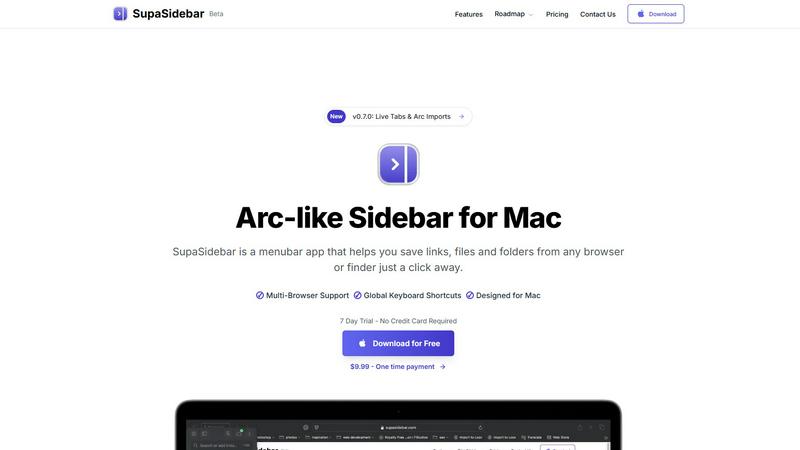
Visual Comparison
Nabbed

SupaSidebar
Overview
About Nabbed
Nabbed is the first CRM built specifically for sales and revenue professionals managing their career. Track job applications in a visual pipeline, build a contact CRM with warm path mapping, get AI-powered company intelligence (funding, headcount, Glassdoor ratings), and autofill applications on 60+ ATS platforms with our Chrome extension. Features include Gmail auto-sync that detects interviews and rejections, hiring signal alerts when target companies are growing, interview prep with AI coaching, salary benchmarking with offer analysis, and a Job Fit Score that matches your profile to listings. Search 11 job sources at once including Google Jobs, Indeed, LinkedIn, and Glassdoor. Free tier available, Core at $19/mo.
About SupaSidebar
SupaSidebar is a revolutionary menubar application for macOS that tackles the modern problem of digital clutter and context-switching fatigue. Inspired by the elegant sidebar of the Arc browser, it provides a centralized, distraction-free command center for everything you need during your workday. The core challenge it solves is the inefficient scramble through endless browser tabs, cluttered Finder windows, and disjointed applications to find the link, file, or folder you need right now. SupaSidebar streamlines this by allowing you to instantly save and access websites, applications, documents, and directories from a sleek, always-accessible sidebar. It works seamlessly across all major browsers like Safari, Chrome, Arc, Firefox, and Brave, ensuring your workflow isn't tied to a single app. Designed for professionals, students, and multitaskers, its main value proposition is profound focus: by eliminating the hunt for resources, it lets you concentrate on the task at hand, dramatically boosting productivity and reducing mental overhead on your Mac.