
Change BG vs Dokie AI
Side-by-side comparison to help you choose the right tool.

Change BG instantly removes image backgrounds with AI for professional e-commerce and portrait photos.
Last updated: March 1, 2026

Dokie AI
Stop wasting hours on slides; Dokie AI creates professional presentations in minutes using advanced AI.
Last updated: March 19, 2026
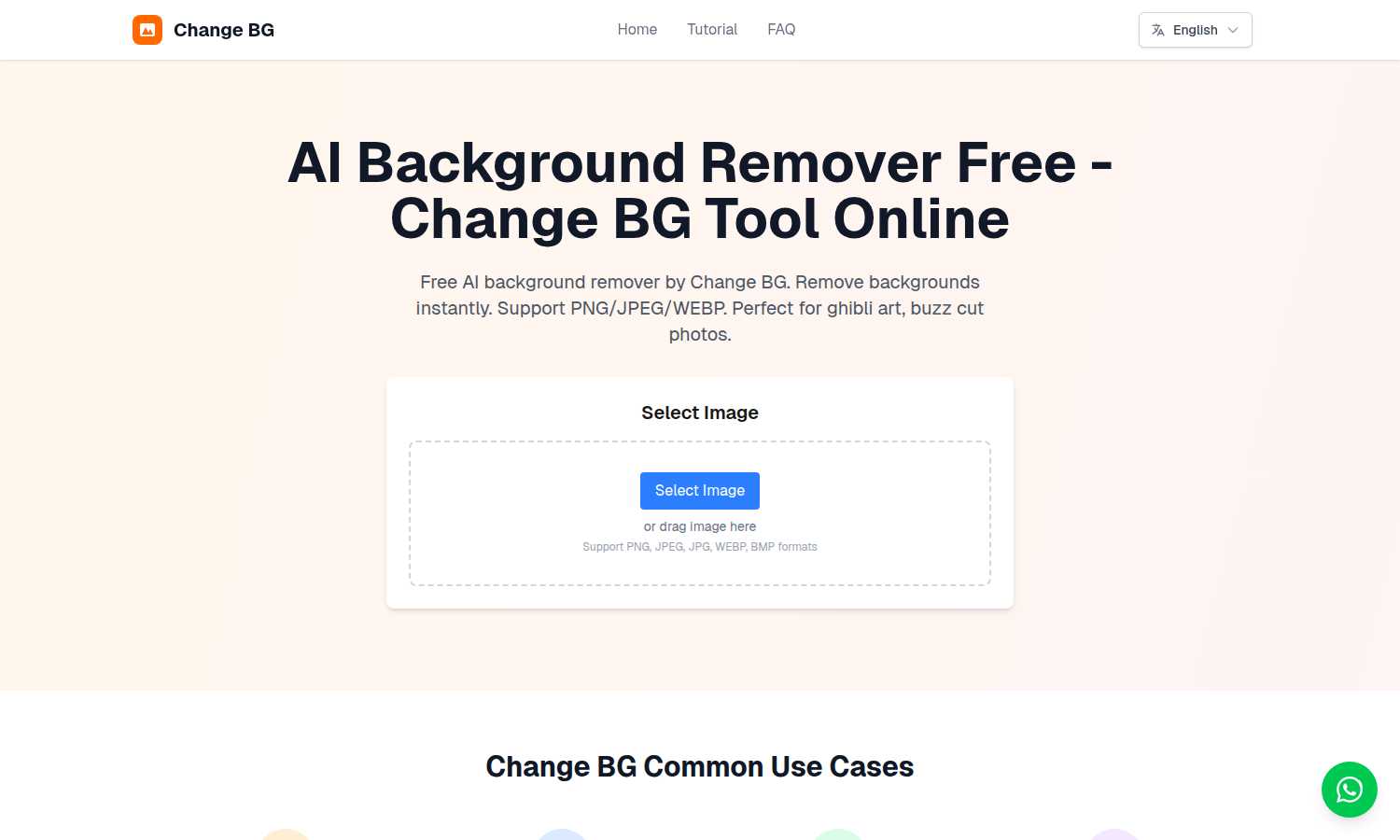
Visual Comparison
Change BG
Dokie AI

Feature Comparison
Change BG
Instant AI-Powered Background Removal
Change BG's core feature is its sophisticated AI algorithm that automatically and precisely detects the subject in any uploaded image and removes the background. The system intelligently analyzes edges, colors, and textures to separate the main subject from its surroundings, producing a clean, transparent background PNG file in a matter of seconds. This eliminates the need for manual tracing, lasso tools, or painstaking brushwork, making professional cutouts accessible to everyone.
High-Quality, Watermark-Free Output
Unlike many free online tools, Change BG delivers high-resolution results without imposing any watermarks on your downloaded images. This is crucial for professional use in e-commerce, marketing materials, and portfolio work where a clean, branded image is mandatory. The tool preserves fine details, including complex edges like hair, fur, and intricate product elements, ensuring the final image maintains a professional and polished appearance ready for immediate use.
Support for Multiple Image Formats
The tool offers broad compatibility to accommodate various workflows. Users can upload images in all common formats including PNG, JPEG, JPG, WEBP, and BMP. This flexibility means you can process photos directly from your camera, screenshots, web downloads, or existing design files without needing to convert them first, streamlining your editing pipeline from start to finish.
Simple Drag-and-Drop Interface
Change BG is built for maximum ease of use with an intuitive, no-fuss interface. The primary action is as simple as dragging an image file from your desktop and dropping it into the browser window, or clicking to select a file from your computer. This user-centric design requires no technical knowledge or tutorial, allowing anyone to achieve perfect results on their very first attempt, removing friction from the creative process.
Dokie AI
AI Generate PPT
This flagship feature allows you to create a complete, professional slide deck from scratch using just a text description. Describe your topic, audience, and key points in plain language. Dokie AI's advanced engine then analyzes your input to generate a structured presentation with a logical flow, professionally designed layouts, relevant charts or icons, and compelling written content tailored to your subject. It automates the entire creative process, delivering a ready-to-use presentation in minutes.
AI Beautify PPT
For users with existing slides that lack visual polish, the Beautify feature is a game-changer. Simply upload your current PowerPoint file, and Dokie AI will analyze and enhance it. It intelligently fixes inconsistent layouts, applies a harmonious color scheme and typography, improves visual hierarchy, and refines the overall styling—all while meticulously preserving your original content and message. This transforms clunky, outdated decks into visually stunning presentations.
Multi-Format Document Conversion
Dokie AI breaks down content silos by offering robust conversion tools. It can transform various source materials directly into presentation-ready slides. This includes converting PDF documents, Word files, HTML web pages, and even YouTube videos into structured PowerPoint presentations. This feature streamlines workflow by allowing users to repurpose existing content from any format without manual copying, pasting, and reformatting.
Speech Notes & Reverse Prompt
This dual-capability feature supports both presentation delivery and learning. Dokie AI can automatically generate detailed speaker notes and talking points for each slide, helping presenters deliver their message confidently and thoroughly. Conversely, the unique Reverse Prompt tool can analyze an uploaded presentation and extract the core prompts and structure that created it, serving as an invaluable learning aid for understanding effective AI-powered presentation design.
Use Cases
Change BG
E-commerce Product Image Optimization
Online sellers face the challenge of making products stand out on crowded marketplaces like Amazon, eBay, or Shopify. Blurry or distracting backgrounds can hurt conversion rates. Change BG solves this by allowing merchants to instantly remove backgrounds from product photos, generating clean, transparent PNG images. These can be placed on pure white backgrounds or integrated into custom marketing graphics, creating a consistent, professional storefront that builds trust and drives sales.
Professional Portrait and ID Photo Editing
Creating a perfect ID photo for resumes, visas, or badges often requires a specific plain background, which is not always available during the photo shoot. Manually editing hair, especially tricky styles like buzz cuts, is notoriously difficult. Change BG handles this challenge with precision, automatically cutting out the subject and allowing for easy background color replacement. This ensures compliance with official requirements and produces polished portraits for professional networking sites.
Artistic and Illustration Projects
Artists and designers working with digital illustrations, anime styles (like Ghibli art), or mixed-media projects need to isolate characters and elements without losing the integrity of hand-drawn lines and artistic effects. Manually doing this can ruin the artwork. Change BG's AI is fine-tuned to preserve these delicate stylistic details, enabling creators to cleanly separate elements for compositing into new scenes or promotional materials without damaging the original artwork.
Social Media and Marketing Content Creation
Marketers and social media managers need to produce a high volume of engaging visual content quickly. Sourcing stock photos with the right composition or removing backgrounds from images for memes, banners, and ads can be slow. Change BG accelerates this process by providing a rapid way to extract subjects for use in custom graphics, allowing for the creation of unique, branded content that captures attention without a large time investment or budget.
Dokie AI
Startup Fundraising Pitches
Startup founders can rapidly create investor-ready pitch decks. By describing their business model, market analysis, and financial projections, Dokie AI generates a sleek, persuasive presentation that communicates professionalism and vision, crucial for securing funding without the cost of a design agency.
Marketing Campaign Reports
Marketers can instantly convert campaign data and performance metrics into compelling client or stakeholder reports. Instead of manually building slides from spreadsheets, they can input key findings and let Dokie AI structure the narrative with clear visuals and professional design, saving hours per report.
Academic & Training Materials
Educators and corporate trainers can develop engaging lecture slides or workshop materials from their lesson outlines or research notes. Dokie AI structures the content for optimal learning, adds relevant visual aids, and creates a consistent design, allowing instructors to focus on pedagogy rather than slide design.
Sales Proposal Enhancement
Sales professionals with existing product or service proposal decks can use the Beautify PPT feature to instantly elevate their visual appeal. A polished, professionally designed proposal creates a stronger impression of credibility and attention to detail, directly impacting the likelihood of closing a deal.
Overview
About Change BG
Change BG is a cutting-edge, AI-powered background removal tool designed to solve the universal challenge of time-consuming and technically demanding image editing. For photographers, graphic designers, e-commerce entrepreneurs, and content creators, manually cutting out subjects from photos is a tedious bottleneck that drains creativity and productivity. Change BG directly addresses this pain point by leveraging advanced artificial intelligence to automate the entire process. Its core value proposition is delivering professional-grade, transparent-background images in seconds, completely free of charge and without any watermarks or mandatory sign-ups. This empowers users to instantly enhance product listings, create compelling portraits, refine ID photos, and elevate artistic projects without the need for expensive software like Photoshop or the uncertainty of manual selection tools. By streamlining this fundamental editing task, Change BG transforms a complex chore into a simple, one-click operation, allowing professionals and hobbyists alike to focus on their core creative and commercial goals.
About Dokie AI
Dokie AI is a revolutionary AI-powered presentation maker designed to eliminate the pain points of traditional slide creation. It serves business professionals, educators, marketers, and startup founders who need to produce polished, professional presentations but lack the time, budget, or design expertise to do so manually. Unlike basic template tools, Dokie AI uses true AI generation powered by Claude Opus 4.6 to act as a full-service design partner. It intelligently handles the entire process from structuring your content and selecting cohesive layouts to applying expert typography and visual design, all from a simple text prompt. The core value proposition is profound time savings and a dramatic elevation in presentation quality, transforming hours of frustrating work into a task that takes mere minutes. Dokie AI empowers users to focus on their core message and strategy, confident that the visual delivery will be compelling and professional.
Frequently Asked Questions
Change BG FAQ
Is Change BG really free to use?
Yes, Change BG is completely free to use. You can upload an image, remove its background, and download the high-quality, transparent PNG result without any cost, watermark, or requirement to create an account or sign up for a subscription. This makes it an accessible tool for everyone from students to large businesses.
What image formats does Change BG support?
Change BG supports a wide range of common image formats to fit your workflow. You can upload files in PNG, JPEG, JPG, WEBP, and BMP formats. The processed output is always delivered as a high-quality PNG file with a transparent background, which is the standard for professional image editing and web use.
How accurate is the AI at removing backgrounds?
The AI is highly accurate and specifically engineered to handle challenging details. It excels at precisely outlining complex subjects, including fine hair, fuzzy textures, intricate product edges, and the distinct lines of artistic illustrations. While results are automatic and instant, the advanced algorithms ensure a clean cutout that typically requires minimal to no additional touch-ups.
Can I use Change BG for commercial projects?
Absolutely. The images processed through Change BG are free for you to use in both personal and commercial projects. Since the downloaded files contain no watermarks, you are free to use the background-removed images on your e-commerce site, in advertising materials, social media, client work, or any other commercial application without restriction.
Dokie AI FAQ
What makes Dokie AI different from standard PowerPoint templates?
While templates provide a static starting point, they still require you to manually fit your content into predetermined boxes and possess design skill to customize them effectively. Dokie AI uses true generative AI (Claude Opus 4.6) to dynamically create a custom presentation from your text. It intelligently designs the layout, structure, visuals, and written content specifically for your topic, offering a uniquely tailored result that templates cannot match.
Can I edit the presentations Dokie AI creates?
Yes, absolutely. Dokie AI generates standard PowerPoint (.pptx) files. You have full ownership and can open, edit, and customize every element of the presentation in Microsoft PowerPoint, Google Slides, or any other compatible software, just as you would with any other slide deck.
What file formats can I use with the Beautify and conversion tools?
Dokie AI supports a wide range of inputs. You can beautify existing PowerPoint (.ppt, .pptx) files. For conversions, you can use PDF documents, Microsoft Word (.doc, .docx) files, HTML pages, and even YouTube video URLs as source material to be transformed into a new presentation.
Is my data and content secure with Dokie AI?
Dokie AI is designed with user privacy in mind. The platform processes your content to generate the presentation but is built on secure infrastructure. It is advisable to review their specific privacy policy for detailed information on data handling, retention, and security practices.
Alternatives
Change BG Alternatives
Change BG is an AI-powered background removal tool in the Content Creation and Design Tools category. It streamlines image editing for professionals by automatically creating transparent backgrounds with a user-friendly interface. Users often explore alternatives for various reasons. Some may require specific features like batch processing or integration with other software. Others might be evaluating different pricing models, seeking platform-specific applications, or looking for tools with a different balance of automation and manual control for their unique workflow needs. When choosing an alternative, consider your primary use case, such as e-commerce or portrait photography. Evaluate the tool's accuracy, supported file formats, and output quality. Also, assess the overall cost, ease of use, and whether it offers the right mix of automation and editing flexibility for your projects.
Dokie AI Alternatives
Dokie AI is a leading AI-powered presentation maker that automates the creation of professional slide decks. It falls into the category of AI design tools, specifically focusing on generating and enhancing PowerPoint presentations. By using advanced AI to handle content structure, layout, and visual design, it helps users create polished presentations quickly without requiring design expertise. Users often explore alternatives to Dokie AI for various reasons. Common considerations include budget constraints and the need for different pricing models, such as a free tier or a one-time purchase. Others may seek specific features not offered, require integration with different platforms, or prefer an AI model from a different provider. The search for the right tool is highly personal and depends on individual workflow needs. When evaluating an alternative, it's crucial to assess the core AI capabilities. Look for a tool that genuinely generates content and designs from scratch, rather than just applying templates. Consider the flexibility of input methods, the quality of the output, and how well the tool integrates into your existing process. The goal is to find a solution that saves time while delivering professional, audience-ready results.