
Best Video tools (76+)
Discover 76+ best video tools. Compare features, pricing, and reviews. Free and paid options available.

Bulin 47 AI
Put yourself in the viral Bulin 47 freestyle video from one photo.
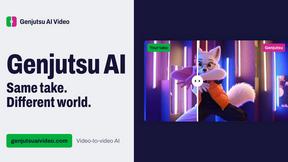
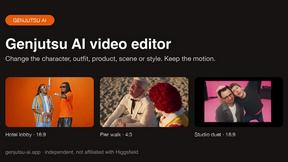
Genjutsu AI Video Editor
AI video-to-video editing for character, outfit, object, and style swaps guided by your source clip and reference images.

Raindance AI Video Generator
Turn two photos into the Raindance AI pier video with the soundtrack included

DanseAI - Alors on Danse AI Video
Make the Alors on Danse AI meme video from two photos, soundtrack included
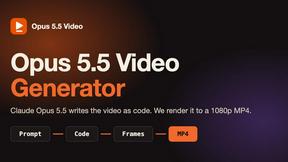
Opus 5.5 Video Generator
Turn a prompt into a 1080p motion-graphics MP4 planned and coded by Claude Opus 5.5

Rumpelstiltskin AI Video Generator
Make the viral Rumpelstiltskin tiptoe dance meme video from two photos
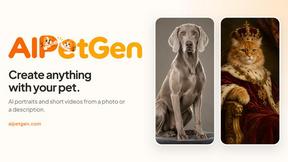
AIPetGen
AIPetGen turns a photo of your dog, cat, or other pet, or a written description, into a new picture or a short animation.

Hotel Lobby AI Video Generator
Turn two photos into a Hotel Lobby dance video in the orange A COLORS SHOW booth.
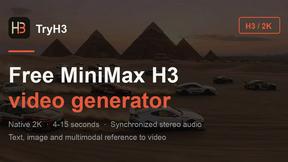
TryH3 - MiniMax H3 Video Generator
Try MiniMax Hailuo H3 video generation in the browser
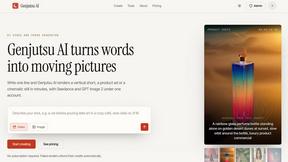
Genjutsu AI
Genjutsu AI turns your ideas into cinematic videos, product ads, social shorts, and high-quality images in minutes.
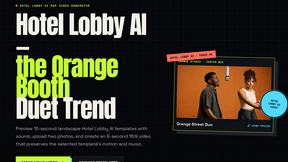

hotel-lobby
Two-person AI video duet scenes in a warm orange recording booth, with two performers sharing one microphone.
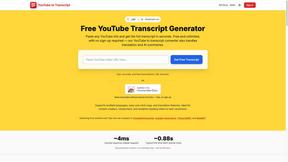
GetYouTubeTranscript
Free YouTube transcripts on the web, a Chrome extension, and an API + MCP server so AI assistants can read YouTube.
AIEnhancer
Enhance photos, create images, and generate videos with flexible AI workflows and creative effects.
Motion Control AI
Reference-driven AI character motion video generation

Free Gemini Omni
Create, remix, and edit cinematic AI videos online with Free Gemini Omni using text, image, audio, and video prompts.
Seedance 2.5 Free
Create polished AI videos from text or images online with Seedance 2.5 Free.
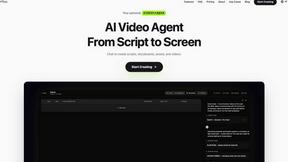

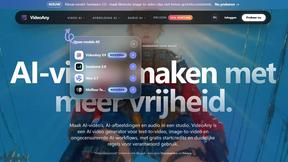
VideoAny BE
Create AI videos from text or images, generate images and audio in one online studio.

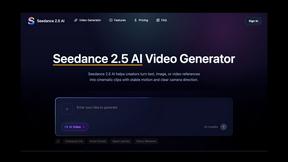
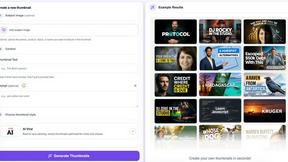
StopScroll
AI YouTube thumbnail maker that generates multiple thumbnail concepts from a URL, title, or prompt.
HubVanta AI
HubVanta AI helps creators generate images and videos with advanced AI tools for visual content workflows.
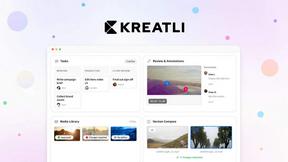

VideoAny
Stop struggling with multiple AI tools. VideoAny solves this by letting you generate uncensored videos, images, and audio from text or photos in one.
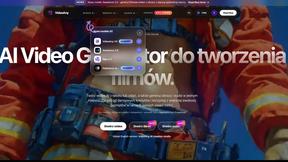
VideoAny PL
Stop juggling separate tools: VideoAny PL unifies AI video, image, and audio generation in one uncensored Polish platform.
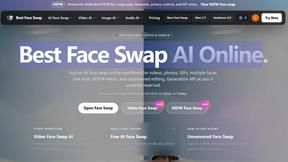
Best Face Swap
Swap faces in photos and videos with frame-consistent AI, from free trials to NSFW and API-ready workflows.
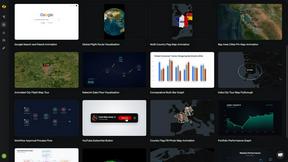
Easymotion - AI Motion Graphic Generator
Stop wasting hours in After Effects; Easymotion lets you create professional motion graphics and map animations by simply chatting with AI.
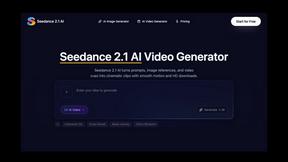
Seedance 2.1 AI
Struggling to generate smooth, cinematic videos from your ideas? Seedance 2.1 AI transforms text, images, and clips into stable HD drafts.

Sora2 Hub
Stop juggling multiple AI tools when Sora2 Hub unifies Sora 2, Veo 3.1, and Kling AI to generate watermark-free videos and images from one.
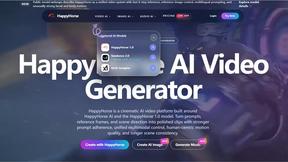
HappyHorse
HappyHorse solves the challenge of generating cinematic videos with strong motion quality by unifying text, image, and audio control into a single.
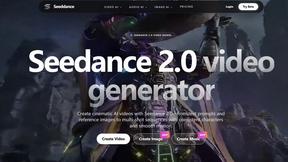
Seeddance
Transform your ideas into stunning videos and images with Seedance, the all-in-one AI tool that brings your creativity to life.

VideoAny
Stop juggling multiple tools: VideoAny combines uncensored AI video, image, and audio generation into one powerful studio for viral content.
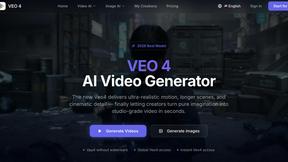
Veo 4 video generator
Veo 4 solves slow, inconsistent video production by turning text, images, or existing clips into ultra-realistic, studio-grade footage in seconds.
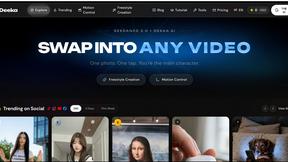
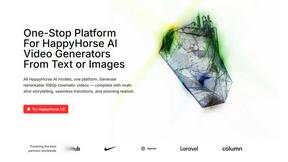
Happyhorse 1.0
HappyHorse 1.0 transforms text and images into stunning 1080p videos with synchronized audio, unlocking creative storytelling effortlessly.
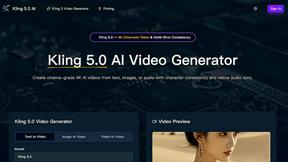
Popular Alternatives in Video
About Video tools
Video tools help creators, marketers, and businesses produce, edit, host, and distribute video content across platforms. This category includes video editors, screen recorders, video hosting platforms, live streaming tools, subtitle generators, and AI-powered video creation tools that streamline every stage of the video production pipeline.
Whether you are editing marketing videos, recording tutorials, hosting webinars, creating social media clips, or building a video content library, these tools provide the production, editing, and distribution capabilities needed for professional video output.
Compare video tools by their editing features, hosting capabilities, AI tools, collaboration options, and pricing to find the right video solution for your content creation workflow.
FAQs for Video
What types of video tools are listed?
This category includes video editors, screen recording software, video hosting platforms, live streaming tools, subtitle and caption generators, AI video creators, animation tools, video compression utilities, and social media video optimizers.
Can I create professional videos without experience?
Yes. Many video tools offer templates, AI-powered editing, drag-and-drop timelines, and automated features that make professional video creation accessible to beginners without traditional video editing experience.
Do video tools support AI features?
Yes. Modern video tools increasingly use AI for automated editing, subtitle generation, background removal, voice synthesis, scene detection, content repurposing, and intelligent cropping for different social media formats.
Which video formats are supported?
Most tools support MP4, MOV, AVI, WebM, and other common formats. Professional tools also support ProRes, RAW video, and high-resolution formats. Export options typically include presets optimized for different platforms.
Can I host and share videos with these tools?
Yes. Several tools include video hosting with customizable players, privacy controls, analytics, embedding options, and CDN delivery. Some specialize in hosting while others combine editing and hosting in one platform.
Are there free video tools?
Yes. Many video tools offer free tiers with basic editing, limited export resolution, and watermarks. Premium plans unlock HD/4K export, advanced features, longer video lengths, and watermark-free output.