
ChatGPT Image 2
ChatGPT Image 2 offers AI image generation, image editing, and video tools for creators who want to develop and refine visuals in one workspace.
Visit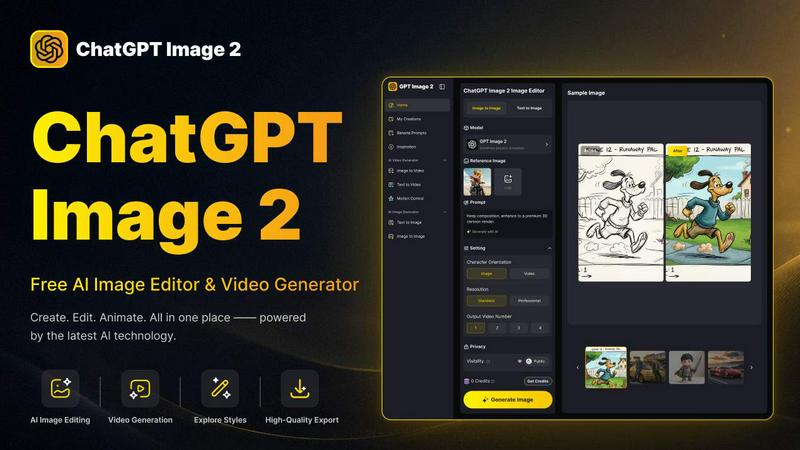
About ChatGPT Image 2
ChatGPT Image 2 is a browser-based creative workspace for generating images, editing existing visuals, and making videos. Start with a text prompt or upload an image; editing prompts can request a new style, a scene change, an object swap, or a larger canvas. The platform also lists text-to-video, image-to-video, and motion-control tools.
For creators, the practical draw is moving from a still concept to a revised image or video without changing workspaces. The product highlights native 4K output, improved rendering of text, and localized edits that preserve surrounding details. These capabilities may be useful for social graphics, product visuals, storyboards, and early campaign assets. The free tier allows one task per day, while paid options provide larger credit pools and more concurrent tasks. Choose based on how often you generate and whether queue speed or parallel work matters.
Features of ChatGPT Image 2
- Generate images from text or uploaded visuals.
- Restyle, extend, restore, or make targeted changes to images.
- Create videos from text or images and access motion control.
- Choose among plans with different credits, queue priority, and task limits.
Use Cases of ChatGPT Image 2
- Turn an idea or reference image into a visual draft.
- Prepare product imagery and promotional graphics.
- Create storyboard concepts and visual studies for film projects.
- Move from a still image into a short generated video.
Frequently Asked Questions
Do I need design skills to use it?
The listed workflow is prompt-based: provide an image or describe the desired result, then generate.
Can I make a video from an image?
Yes. Image-to-video is listed alongside text-to-video and motion control.
What does the free plan include?
The pricing page lists a $0 monthly plan with normal queue speed, 90-day storage, and one task per day.
Similar to ChatGPT Image 2
FoxyLab
FoxyLab turns plain-language chat requests into product videos and banner sets, with website context and multiple output sizes.
Flux3Max.io
Flux3Max.io creates short videos with sound from text, photos, or up to 10 keyframes, with 720p and 1080p options.
LobbyClip
LobbyClip makes short two-subject AI videos from separate photos, with people and pet scenes and flexible output formats.
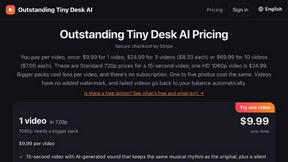
Tiny Desk AI
Make a shareable Outstanding Tiny Desk meme with your photos, friends, and a short AI-generated soundtrack.
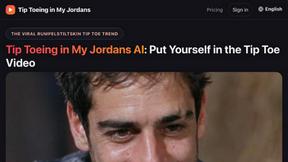
Tip Toeing in My Jordans AI
Personalize the Rumpelstiltskin tiptoe meme with photos and generate a 12-second clip in vertical or widescreen format.
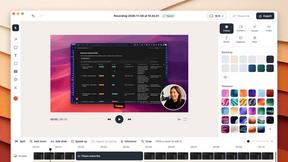
ScreenOtter
ScreenOtter is a native Mac app for recording, editing, captioning and sharing screen videos, with automatic zooms and screenshot tools.

Vikas Editor AI
Create AI portrait edits and five-second photo videos from adaptable prompts, with styles for Indian creators.
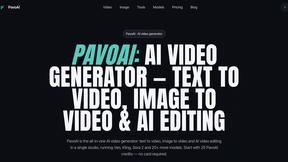
Pavo AI
Pavo AI helps creators turn text descriptions into short video scenes and images, with generation settings in one workspace.