
AI Email Filter
AI Email Filter sorts incoming mail into folders using plain-language prompts you write. Works with any IMAP mailbox; bring your own LLM if you want.
Visit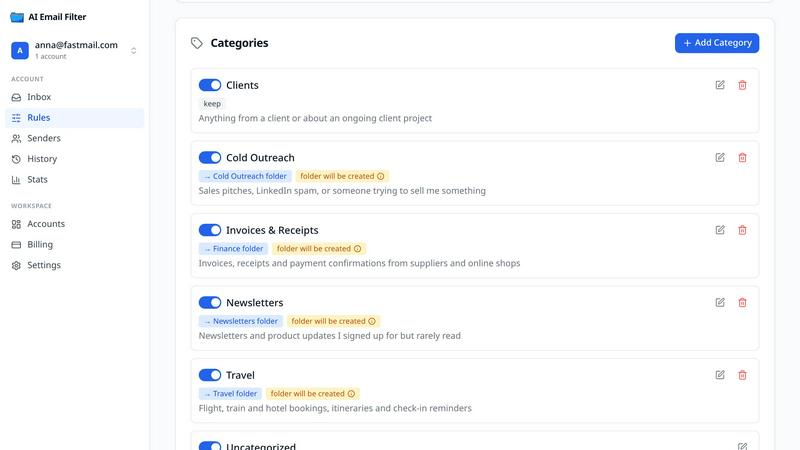
About AI Email Filter
AI Email Filter connects to your existing mailbox over IMAP and sorts incoming mail into folders based on prompts you write in plain language, such as "invoices and receipts go to Finance". There is no new mail client to learn: the sorted folders show up in whatever app you already use. It is a SaneBox alternative that works with any IMAP provider.
Rules are yours to read and change. Each sender gets a category you can correct, every automatic move can be undone with one click, and a rule can trigger several actions at once. If you would rather not send mail to a third-party model, you can point the service at your own LLM endpoint.
It works with Gmail, Fastmail, iCloud, Mailcow and any other IMAP mailbox. The first 200 classifications are free; after that it costs $6 per month or $60 per year for two mailboxes.
Explore more in this category:
Similar to AI Email Filter
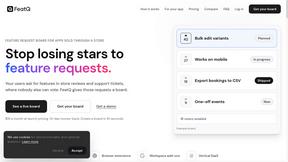
FeatQ
Feature request boards for software teams. Customers vote with just an email; your coding agent pulls the top request over MCP.
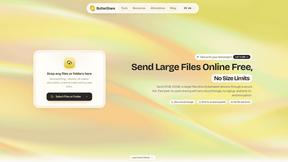
ButterShare
Realtime peer-to-peer file transfer in the browser. Send files directly between devices, no account and no upload to a server.
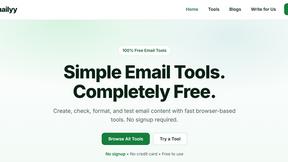
Emailyy
Free email tools for signatures, subject lines, HTML previews, word counts, and email headers. Browser-based, simple to use, and no signup required.
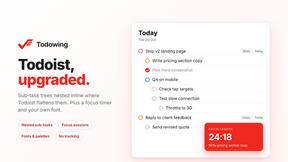
Todowing
Chrome extension that nests Todoist sub-tasks inline in Today, Upcoming, Filters and Labels, where Todoist shows them flat.

Uniclip
Clip pages, take full-page screenshots and batch-capture list data to Notion, Feishu, Obsidian, Markdown, CSV or JSON.
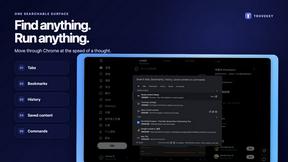
TroveKey
Search tabs, Chrome bookmarks and history, run browser commands, and save webpages and social posts locally—no account.
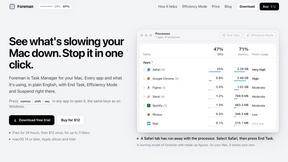
Foreman
See every app and what it's using in plain English, and end or slow down the one that's hogging your Mac.
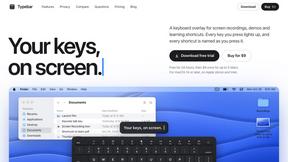
Typebar
Every key you press lights up on an on-screen keyboard, and each shortcut is named. For screen recordings, demos and learning shortcuts.