
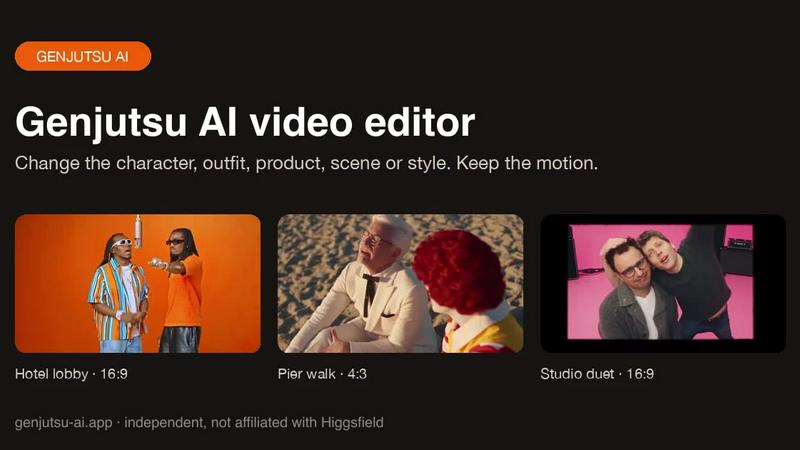
About Genjutsu AI
Genjutsu AI is a reference-guided video-to-video editor. Upload a clip, add up to nine reference images and describe the change to swap a character, outfit, product or background, or restyle the whole shot, while the original motion, camera movement and timing stay in place. Outputs 5-30 second MP4 at 480p-1080p with the source audio kept.
Similar to Genjutsu AI
Outstanding Tiny Desk AI
Upload photos of you and up to 4 friends and get a 15-second Tiny Desk AI video with AI-generated sound, 9:16 for TikTok, Reels and Shorts.

Tip Toeing in My Jordans
Put your photo in the viral Rumpelstiltskin tip toe meme and get a 12-second AI video.
ScreenOtter
A Mac app for screen recordings and screenshots. A zoom on every click, captions made on your Mac, and eight camera layouts. Free to use, pay once.
VD6S
VD6S is a free online YouTube video downloader that supports HD, 4K and up to 8K downloads. Save videos in MP4 or audio in multiple formats.

Rhinobird
AI video ads, UGC-style videos, and product visuals for cross-border sellers and e-commerce brands.

Vikas Editor AI
AI photo and video creative studio for cinematic portraits, fashion edits, festive greetings, and visual concepts.

AI Tiny Desk
Make a 19-second desk-concert video with lead and sax, full band, Halloween or pet-band modes; audio and silent MP4.
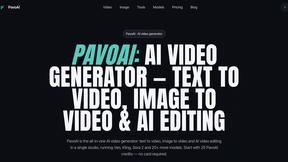
PavoAI
All-in-one AI video creation platform for text-to-video, image-to-video, editing, avatars, music, subtitles, and upscaling.