
MyImageUpscaler
MyImageUpscaler uses AI to enlarge and enhance images online, with adjustable scale options and support for common photo formats.
VisitPublished on:
February 10, 2026
Pricing:
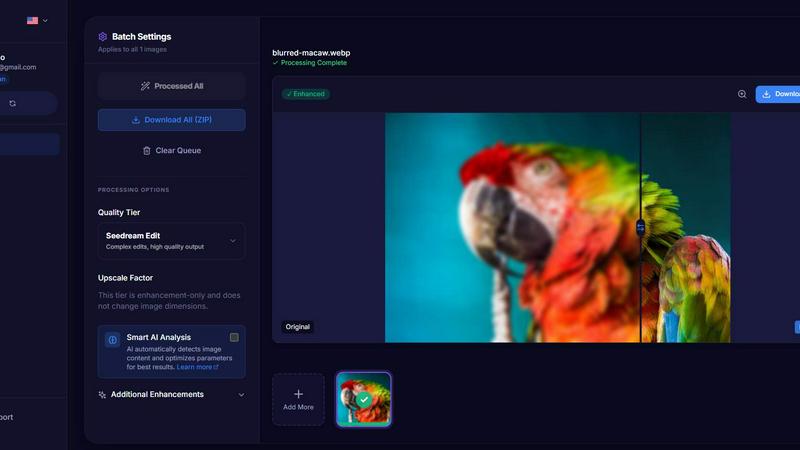
About MyImageUpscaler
MyImageUpscaler is a web tool for enlarging images and improving blur, noise, and detail. It uses AI to reconstruct image features rather than simply stretching pixels, and includes modes for photos, graphics, and anime. The service supports JPEG, PNG, WebP, and HEIC uploads; users can choose 2x or 4x upscaling, while paid plans add up to 8x per pass. Text and logos are a stated focus, though results depend on the source image and selected model.
Photographers can prepare images for larger prints, while ecommerce sellers and designers may use it to improve product photos or assets for presentations. Processing starts with free credits and runs in a browser, so it suits occasional edits as well as larger batches on paid plans. Inspect the output at its intended size before relying on it for a final export.
Features of MyImageUpscaler
- AI image upscaling and detail reconstruction
- Supports JPEG, PNG, WebP, and HEIC
- 2x and 4x upscaling; paid plans add up to 8x per pass
- Batch processing available on paid plans
Use Cases of MyImageUpscaler
- Enlarge photographs for print or publication
- Improve product images for ecommerce listings
- Prepare sharper graphics and design assets
- Process multiple images in a batch on eligible plans
Frequently Asked Questions
Does it have a free option?
Yes. New accounts receive free credits, and a credit card is not required to start. The number of free credits depends on region.
Which formats can I upload?
JPEG, PNG, WebP, and HEIC are supported.
How much can I enlarge an image?
All accounts can use 2x or 4x. Paid plans support up to 8x per pass.
Similar to MyImageUpscaler

PhotoboothFree
PhotoboothFree makes browser-based photo strips with layouts, filters and watermark-free, print-ready downloads, without an app or sign-up.
MakePiecesOfUs
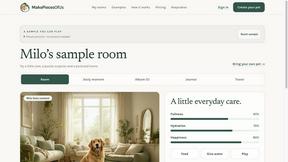
MakePiecesOfUs creates a virtual room from a real pet photo, with free puzzles and memory tools and optional daily stories, scenes and travel.
Kivloo
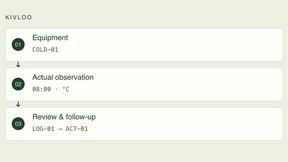
Kivloo helps teams complete and search daily workplace safety checks on a phone, with photos, readings and records across sites.
Drawcil
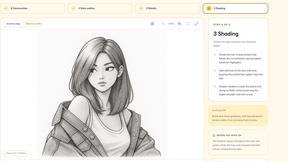
Drawcil guides paper drawing with four illustrated stages from a reference photo, with a free sample lesson to start.
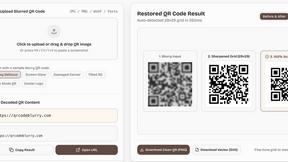
QSharpener
QSharpener helps users restore and decode blurry or damaged QR codes, then rebuilds a clean QR image for scanning.
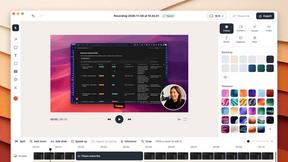
ScreenOtter
ScreenOtter is a native Mac app for recording, editing, captioning and sharing screen videos, with automatic zooms and screenshot tools.
MenuCapture
Edit photos of real restaurant dishes with text instructions, then export menu-ready images sized for delivery platforms and social media.

Leadmatically
Leadmatically helps small businesses spot buying signals across social platforms and manage first contact and replies from one inbox.