
Pullsy
Pullsy organizes Gmail and Microsoft 365 inboxes, highlights priority messages, and drafts context-aware replies in a tone you choose.
Visit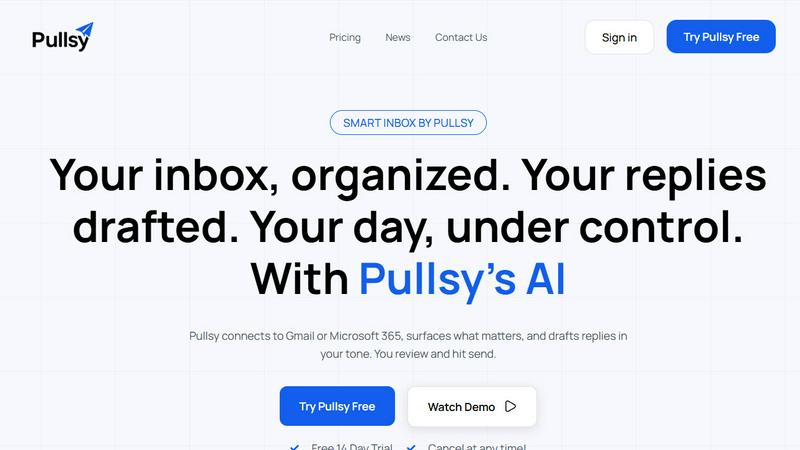
About Pullsy
Pullsy brings inbox triage and reply drafting into one workspace for people who spend much of their day in email. It connects with Gmail or Microsoft 365, sorts messages by importance, and can surface related people, attachments, action items, and calendar context. Its day overview gathers unread messages, priority tasks, and upcoming meetings so users can decide what needs attention first.
Drafts use the conversation context and can reflect a selected tone, such as professional, friendly, or quick. Pullsy can identify requests that need an answer, a decision, a document, or scheduling, then suggest a response. You review and edit each draft before sending; the service does not send replies without your review. This makes it a fit for busy professionals who want help moving through email while keeping control of outgoing messages.
Review before sending
Pullsy advertises a 14-day trial and monthly or annual plans. The listed plans differ in how many inboxes and calendars they connect and in features such as custom rules, analytics, and team controls. Check the current plan details against your workflow, especially if you manage several accounts.
Features of Pullsy
- Prioritizes and categorizes inbox messages.
- Drafts context-aware replies with selectable tones.
- Finds action items, people, and attachments in email context.
- Summarizes unread messages, tasks, and upcoming meetings.
Use Cases of Pullsy
- Triage a crowded work inbox and identify messages needing action.
- Draft replies to routine requests while reviewing every message before sending.
- Prepare for meetings by bringing related email and calendar context together.
Frequently Asked Questions
Does Pullsy send replies automatically?
No. It suggests drafts for you to review, edit, and send.
Which email accounts can I connect?
The product page names Gmail and Microsoft 365. Available connections and limits vary by plan.
Can it help me prepare for the day?
Yes. Its overview can bring together unread messages, priority tasks, and upcoming meetings.
Pricing of Pullsy
Monthly plans are listed at $15 per month for Starter, $25 per month for Pro, and $30 per user per month for Enterprise. Annual billing is also shown at $12, $20, and $24 per month respectively, billed annually. A 14-day free trial is offered.
Explore more in this category:
Similar to Pullsy
Kivloo
Kivloo helps teams complete and search daily workplace safety checks on a phone, with photos, readings and records across sites.
QSharpener
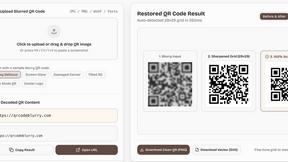
QSharpener helps users restore and decode blurry or damaged QR codes, then rebuilds a clean QR image for scanning.
ScreenOtter
ScreenOtter is a native Mac app for recording, editing, captioning and sharing screen videos, with automatic zooms and screenshot tools.
Leadmatically
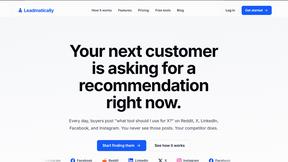
Leadmatically helps small businesses spot buying signals across social platforms and manage first contact and replies from one inbox.
GigUp
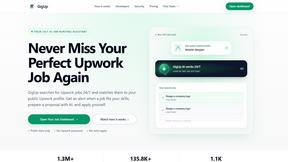
GigUp scores new Upwork listings against your profile and preferences, helping freelancers understand why a job may fit before deciding to apply.
Greatooly
Greatooly is a directory of iPhone app picks, with topic and tag filters, recent sorting, and official-source discovery.
Rhinobird
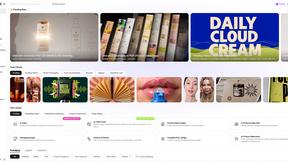
Rhinobird creates product advertisement images and videos, with tools for listing visuals, packaging concepts, and video cloning.

Safe Outreach
Review LinkedIn extension detection results and how tools handle sessions before deciding which browser tools fit your workflow.