
SilentCut
SilentCut removes pauses, filler words, and repeated takes from speech-based video, with a review step and options for browser or plugin editing.
Visit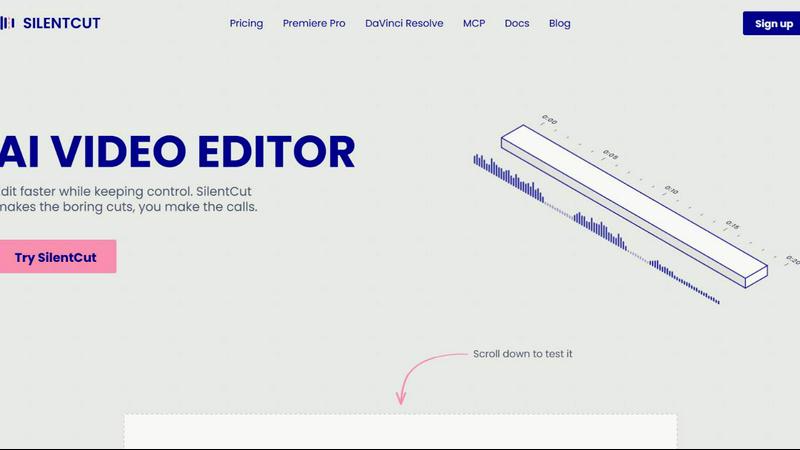
About SilentCut
SilentCut is designed for video where spoken delivery drives the edit. It locates silence, filler words, and repeated takes, then makes the corresponding cuts together so the editor can review them. Creators who publish talking videos can use it to reduce repetitive timeline work; editors who rely on careful pacing should still plan to inspect the pass.
The product is available online and through Premiere Pro and DaVinci Resolve plugins. A useful distinction between plans is that the free tier covers unlimited silence removal, while the paid Editor plan adds speech cleanup and best-take selection. AI hours apply to footage run through those latter tools, not the silence remover, and reset monthly under the plans described in the pricing FAQ.
Features of SilentCut
- Cuts silences, filler words, and repeated takes in one pass.
- Includes silence sensitivity control and Dead Air Ratio measurement.
- Runs in browser or as a Premiere Pro or DaVinci Resolve plugin.
- AI-hour limits apply to Speech Cleanup and Best-Take Selector.
Use Cases of SilentCut
- Clean up monologues and presenter recordings.
- Review retake selections in interviews or scripted video.
- Remove pauses before making creative pacing adjustments.
Frequently Asked Questions
Does SilentCut handle retakes?
Yes. Best-Take Selector identifies repeated takes for cutting as part of the AI editing workflow.
What happens when AI hours are used up?
The pricing FAQ says users can wait for the monthly reset, split footage into shorter parts, or move from Editor to Agency.
Is the final result reviewable?
Yes. SilentCut describes the pass as waiting for the editor's review.
Similar to SilentCut

FoxyLab
FoxyLab turns plain-language chat requests into product videos and banner sets, with website context and multiple output sizes.

Flux3Max.io
Flux3Max.io creates short videos with sound from text, photos, or up to 10 keyframes, with 720p and 1080p options.
LobbyClip
LobbyClip makes short two-subject AI videos from separate photos, with people and pet scenes and flexible output formats.
Tiny Desk AI
Make a shareable Outstanding Tiny Desk meme with your photos, friends, and a short AI-generated soundtrack.
Tip Toeing in My Jordans AI
Personalize the Rumpelstiltskin tiptoe meme with photos and generate a 12-second clip in vertical or widescreen format.
ScreenOtter
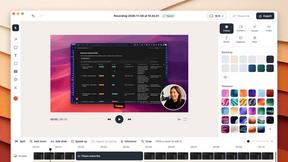
ScreenOtter is a native Mac app for recording, editing, captioning and sharing screen videos, with automatic zooms and screenshot tools.

Vikas Editor AI
Create AI portrait edits and five-second photo videos from adaptable prompts, with styles for Indian creators.
Pavo AI
Pavo AI helps creators turn text descriptions into short video scenes and images, with generation settings in one workspace.