
Published on:
October 26, 2026
Pricing:
About TypeFire
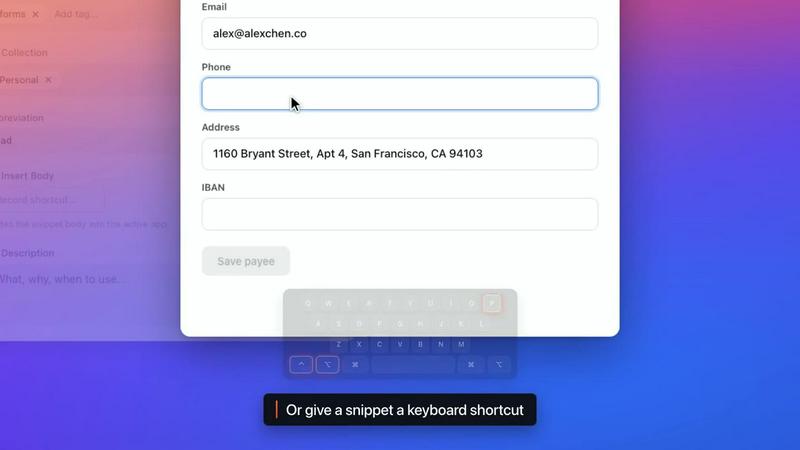
TypeFire is a text expander, a Markdown notes app and a clipboard manager in one. On the Mac each one opens over the app you are already in, with its own shortcut. In Chrome, Edge and Brave it works on every site.
Snippets. Type an abbreviation and get the whole thing: a signature, an address, the reply you send ten times a day. Snippets are unlimited and free, and they expand in every Mac app and on every website. Add today's date, fill-in fields that ask for a name before they expand, or an AI step that rewrites the text as it goes in. Bring your library over from TextExpander, aText, Alfred or Espanso.
Notes. Point TypeFire at a folder of Markdown files, including a live Obsidian vault, and it edits the same files in place. The editor formats as you type, with tables, checklists, wikilinks, backlinks, daily notes, tabs and a graph of how your notes connect. Press Space on any .md file in Finder and read it formatted.
Clips. TypeFire keeps everything you copy and lets you search it. Screenshots come back when you search for words inside them. Copies from password managers are never saved.
AI. Select text in any app and rewrite, fix, translate or summarize it in place, with Apple Intelligence, a local model, or your own OpenAI, Claude or Gemini key. On the Mac, AI apps such as Claude, Cursor and Codex can search and read your notes and snippets once you connect them.
It's free and never asks for a card. Pro is $18, paid once.
Explore more in this category:
Similar to TypeFire

LightScreen
Free fullscreen light screen tool online. Turn any display into a flashlight, ambient light, or solid-color screen. No download or sign-up.

LivePoll
Create a free live poll, share a QR code, and watch the votes come in live.

LevCharity
Fundraising platform for nonprofits combining donations, campaigns, donor CRM, events, communications, and reporting.

Kovnerov
Personal site of Vlad Kovnerov: analytics dashboards, web development, Telegram bots and browser tools for sellers and subscription tracking.
subtitle.im
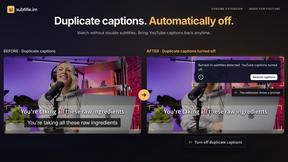
Chrome extension for existing YouTube captions. Local OCR helps handle duplicates by your settings. Free 10-video trial; optional Pro.
Everywhere
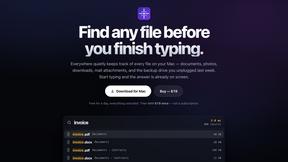
Fast file search for the Mac. Results as you type, files inside Mail and Photos, works with Wi-Fi off. $19 once.
Basalt
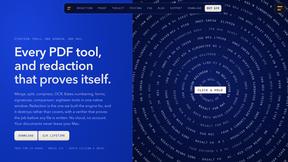
Eighteen PDF tools in one native Mac window: merge, split, compress, OCR, Bates numbering, forms, signing and redaction. Offline. $29 once.
Voice Keyboard Pro
Hold a key, say what you mean, let go. Clean, punctuated text lands at the cursor in any app on your Mac or iPhone.