
Ultimate Forms
Ultimate Forms simplifies SharePoint by enabling users to create no-code forms and automate processes effortlessly.
Visit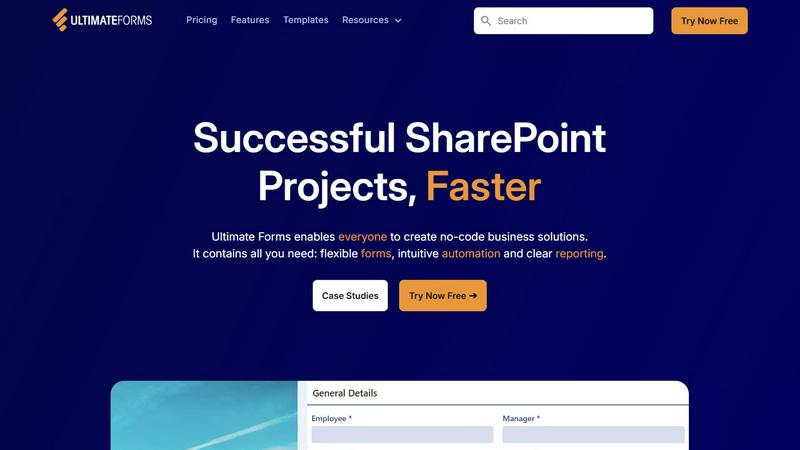
About Ultimate Forms
Infowise Ultimate Forms is a robust forms and automation platform tailored for Microsoft SharePoint, designed to empower users at all skill levels to create, manage, and share customizable forms effortlessly. This no-code solution is an ideal fit for organizations of various sizes looking to streamline their business processes without the complexity of coding. With over 20 years of industry experience, Infowise addresses common business challenges effectively through Ultimate Forms. The platform facilitates the creation of flexible forms, intuitive automation workflows, and insightful reporting, enhancing team productivity and responsiveness. It particularly shines in scenarios such as HR processes, project management, and operational efficiency improvements, all while ensuring the security of data within SharePoint. By eliminating the need for extensive coding knowledge, Ultimate Forms democratizes the development of business solutions, allowing every team member to contribute effectively.
Features of Ultimate Forms
Flexible Forms
Ultimate Forms offers modern, responsive forms that include features like tabs, section and column permissions, dynamic rules, electronic signatures, and input validation. Users can design forms that cater to specific business needs while keeping all data securely within SharePoint.
Intuitive Automation
The platform simplifies complex SharePoint and Power Automate workflows with easy-to-use Actions, enabling users to create and update data across SharePoint and various integrated applications. This intuitive automation reduces the learning curve, empowering more team members to manage business solutions effectively.
Clear Reporting
Ultimate Forms provides detailed, shareable reports, dashboards, KPIs, calendars, and charts that present data as actionable insights. This feature enhances visibility and accountability within teams, allowing for better decision-making and responsiveness to business needs.
Pre-built Solution Templates
Users can access a vast library of pre-built templates or create custom templates, facilitating the easy replication and distribution of forms and automation solutions. This functionality saves time and effort, enabling organizations to deploy business solutions across various sites and tenants efficiently.
Use Cases of Ultimate Forms
Project Management
Ultimate Forms can be utilized to manage and track projects, customer interactions, tasks, and work hours. This helps teams stay organized and ensures that projects are completed on time and within budget.
HR Recruitment
The platform supports a multi-stage HR recruitment portal that streamlines the process of evaluating and hiring candidates. This capability enhances the efficiency of recruitment teams and improves the overall candidate experience.
Leave Request Management
Organizations can use Ultimate Forms to manage employee leave requests and approvals. This simplifies the process for both employees and HR personnel, ensuring timely responses and accurate record-keeping.
Asset Tracking
Ultimate Forms can be applied to create a streamlined system for tracking assets within an organization. This use case enhances accountability and reduces the risk of asset mismanagement.
Frequently Asked Questions
What is Ultimate Forms designed for?
Ultimate Forms is designed to empower users to create customizable forms and automate business processes within Microsoft SharePoint without requiring any coding expertise.
How does Ultimate Forms ensure data security?
Ultimate Forms keeps all data securely stored within SharePoint, leveraging its built-in security features to protect sensitive information and ensure compliance with organizational policies.
Can I use Ultimate Forms for multiple business scenarios?
Yes, Ultimate Forms is versatile and can be tailored to address various business scenarios, including HR processes, project management, leave requests, and asset tracking, among others.
Is there technical support available for Ultimate Forms users?
Yes, Infowise provides excellent technical support to users of Ultimate Forms, assisting them with any challenges they face while using the platform to build and manage forms and workflows.