
Wan Video
Wan Video creates AI videos from text, images, references, and clips with Wan 2.7 workflows, task history, cost estimates, and API access.
Visit
About Wan Video
Wan Video is a browser-based Wan AI video platform for creators, marketers, ecommerce teams, studios, and developers. The Wan video generator brings text-to-video, image-to-video, reference-to-video, video extension, and editing workflows into one focused workspace. Users can describe a scene, animate a source image, guide generation with reference media, or continue and edit an existing clip while configuring model-supported options such as duration, resolution, aspect ratio, and prompt controls. Whether you want to create Wan video concepts for social media, animate product photography, develop advertising ideas, explore character motion, or build cinematic previsualizations, Wan Video makes each step easier to manage. Its Wan AI video workflows include transparent credit estimates, queued and running status, generation history, previews, downloads, and clear failure handling. Developers can create API keys, submit asynchronous generation tasks, poll task status, retrieve results, and integrate the same Wan AI video generator workflows into apps, SaaS products, and automated content pipelines. Wanvideo.site is an independent third-party service and is not affiliated with, endorsed by, or operated by Alibaba.
Explore more in this category:
Similar to Wan Video

Nano AI
Create and edit AI images, generate videos, and compare models in one creative workbench.

Everywhere
Fast file search for the Mac. Results as you type, files inside Mail and Photos, works with Wi-Fi off. $19 once.

Basalt
Eighteen PDF tools in one native Mac window: merge, split, compress, OCR, Bates numbering, forms, signing and redaction. Offline. $29 once.

Voice Keyboard Pro
Hold a key, say what you mean, let go. Clean, punctuated text lands at the cursor in any app on your Mac or iPhone.
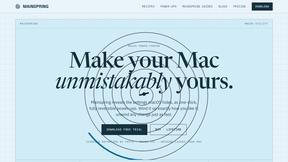
Mainspring
Mainspring turns the settings macOS hides into 90+ one-click, fully reversible power-ups for Finder, Dock, screenshots and more. $29 once.

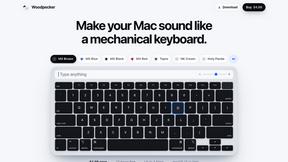
Woodpecker
Make your Mac sound like a real mechanical keyboard. Every key plays its own recording, 22 switches, quiet on calls. $4.99 once.

Inkling
Catch a thought without leaving what you are doing. Notes, checklists and a little companion in your Mac's notch. $12 once.