

Alternatives to Blur Image Online
Easily blur sensitive details in your images online with powerful, precise tools—all for free and without uploads.
20 alternatives found
White Screen Checker
Check your screen display for dead pixels using White screen or black screen checkers.
MenuCapture
Upload a photo of your dish, type what you want changed, and get an edited menu photo in about 15 seconds. The dish in the photo stays the same.
Edit Image Text
AI image editor for fixing typos, dates, and prices in JPG, PNG, and WebP while matching the original font and background.

Vikas Editor AI
AI photo and video creative studio for cinematic portraits, fashion edits, festive greetings, and visual concepts.
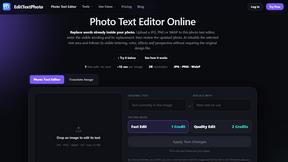
EditTextPhoto
AI-powered image text editor to edit, replace, fix, or translate text in images while preserving the original font, color, size, and style.

AppScreenshots
Create professional App Store and Google Play screenshots with 3D device frames, templates and batch export.
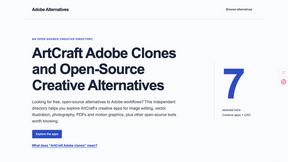
Adobe Alternatives
Explore open-source creative software by workflow, platform and development stage, with comparisons and official project links.
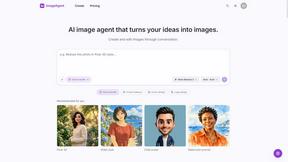
ImageAgent
Create and edit AI images through conversation, using text or reference images and refining results in chat.

AppIconGenerator
Generate iOS and Android app icons from any image and export all platform sizes for free.
AiAgeFilter
Free AI age filter: upload an adult portrait, add 10-40 years, meet your older self. No app needed.
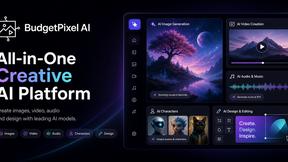
Budgetpixel AI
Create AI images, videos, music, and designs in one workspace with multiple models, powerful editing tools, and API access.
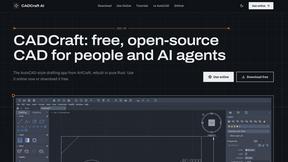
CADCraft
Free, open-source 2D CAD in Rust for precise drafting, layers, dimensions, hatches, and DWG/DXF/PDF/SVG/PNG workflows.
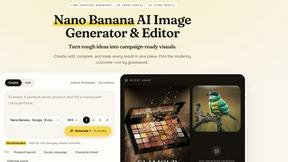
Nano AI
Create and edit AI images, generate videos, and compare models in one creative workbench.
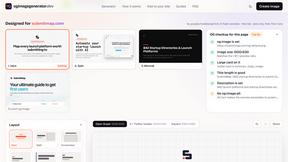
ogimagegenerator.dev
Paste a URL and AI designs on-brand Open Graph images from your page's colours, fonts and logo. Free, no sign-up.
Screen Issues
Free Online Screen Test Tool - Instantly diagnose dead pixels, lines, color issues, and flickering. Multiple test modes, no download needed.
Tip Toe AI
Upload a Dancer photo and a Partner photo and get your own AI Tip Toe barn-dance video. Free 5s preview, 12s HD from $4.90. No subscription.
About Blur Image Online Alternatives
In today's image-driven landscape, Blur Image Online stands out as a browser-based tool designed for users needing to blur sensitive details in their photos. As a part of the Design Tools and Photography categories, it empowers individuals to maintain privacy while enhancing their images. However, users often seek alternatives due to factors like pricing, specific feature sets, or compatibility with their preferred platforms. When searching for a suitable alternative, it's essential to consider the tool's ease of use, the quality of its output, and whether it offers sufficient privacy safeguards. Finding the right image blurring tool can be a challenge, especially when balancing functionality with security. Users should look for alternatives that provide similar capabilities to Blur Image Online, such as AI-assisted features, selective editing options, and a commitment to data security. Ensuring that an alternative meets these criteria will help maintain the quality and privacy of the images being edited.
FAQs about Blur Image Online Alternatives
What is Blur Image Online?
Blur Image Online is a free, browser-based tool that allows users to blur sensitive details in images without requiring uploads.
Who is Blur Image Online for?
It is designed for anyone from social media users and content creators to professionals and businesses needing to protect image privacy.
Is Blur Image Online free?
Yes, Blur Image Online is completely free to use.
What are the main features of Blur Image Online?
Key features include Selective Blur, AI Blur Faces, and AI Blur Sensitive Info, each designed to provide precise and effective blurring.