

Alternatives to EditTextImage
EditTextImage lets you replace text in any image online in 30 seconds, keeping font, color, and perspective perfectly intact.
20 alternatives found
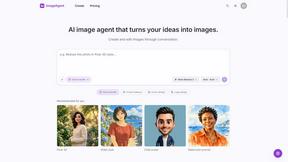
ImageAgent
Create and edit AI images through conversation, using text or reference images and refining results in chat.
GenX
All-in-one AI workspace to generate images, videos, and audio with multiple leading AI models.

AppIconGenerator
Generate iOS and Android app icons from any image and export all platform sizes for free.
AiAgeFilter
Free AI age filter: upload an adult portrait, add 10-40 years, meet your older self. No app needed.
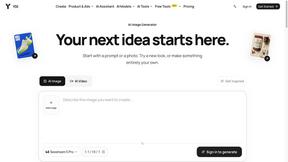
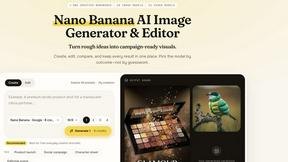
Nano AI
Create and edit AI images, generate videos, and compare models in one creative workbench.

RemoveObjectFromPhoto
Remove unwanted objects, people, and text from photos with AI for clean, natural-looking results in seconds.
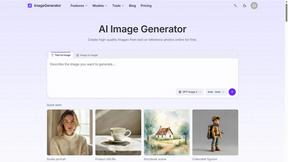
ImageGenerator
Create and edit AI images online with multiple models, text-to-image, image-to-image, background removal, and upscaling.
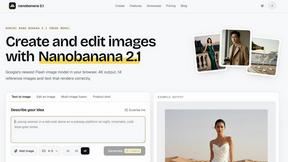
Nano Banana 2.1
A fast, simple image studio powered by Nano Banana 2.1. Create and edit high-quality images with accurate details, readable text, consistent character
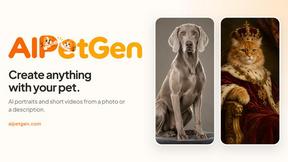
AIPetGen
AIPetGen turns a photo of your dog, cat, or other pet, or a written description, into a new picture or a short animation.

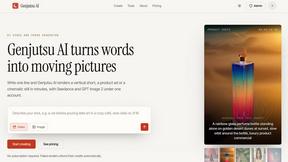
Genjutsu AI
Genjutsu AI turns your ideas into cinematic videos, product ads, social shorts, and high-quality images in minutes.
AI Album Cover Maker
Create release-ready album covers from a prompt or photo. Generate, refine, and export art for singles, EPs, mixtapes, and playlists.
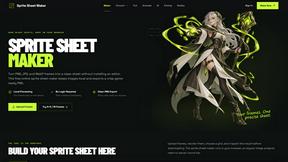
Sprite Sheet Maker
A free browser-based toolkit for creating, cutting, converting, and previewing sprite sheet animations.
AIEnhancer
Enhance photos, create images, and generate videos with flexible AI workflows and creative effects.

Qwen Image Edit
Qwen Image Edit Online for prompt-based image editing, background changes, text edits, product images, posters, and outpainting.

Nano Editor
NanoEditor is an AI-powered D&D portrait generator that turns character details like ancestry, class and gear into focused fantasy RPG art.
About EditTextImage Alternatives
When you need to change a single word on a finished image but the original design file is long gone, EditTextImage offers a remarkably direct solution. It belongs to the niche category of AI-powered image text replacement, standing apart from full design suites like Photoshop or Canva by focusing solely on editing existing text within a raster image. While the tool is highly effective for quick fixes, users often look for alternatives due to a need for unlimited free edits, different pricing models like subscriptions or per-edit credits, or the requirement to handle batch processing for multiple images at once. Others may seek a solution that integrates directly into their existing workflow, such as a mobile app or a plugin for a specific platform. When evaluating alternatives to EditTextImage, the core criteria should focus on how well the tool preserves the original image's typography and layout. You need a service that accurately samples the font, color, drop shadow, and perspective from the pixels, just as EditTextImage does. Consider the output resolution—2K is a strong standard for professional use—and the speed of the process, ideally under a minute. Pricing is another critical factor; look for a model that matches your usage volume, whether that is a one-time payment for a set number of edits, a subscription, or a completely free tier with no watermark. Finally, assess the user interface: the best alternative will let you upload, select text, and replace it without needing to install fonts or learn complex design tools.
FAQs about EditTextImage Alternatives
What is EditTextImage?
EditTextImage is an online AI-powered tool that edits text directly within images, allowing you to change words without needing the original design file or any installed fonts. It falls under the category of image generation and editing, specifically focused on text replacement. The tool samples the typography, color, drop shadow, and perspective straight from the image pixels to make the edit look seamless.
Who is EditTextImage for?
EditTextImage is designed for anyone who needs to fix a typo, swap a date, or A/B test a headline on a finished image like a poster, screenshot, or product photo. This includes marketers, social media managers, graphic designers, and small business owners who have lost the original design file. It is also ideal for users who do not have access to or expertise with professional software like Photoshop.
Is EditTextImage free?
EditTextImage offers a free trial where your first edit is completely free with no credit card required. After that, it operates on a one-time payment model of $9.90 for 30 edits, rather than a recurring subscription. This makes it a low-cost option for users who only need to make occasional text changes in images.
What are the main features of EditTextImage?
The main feature is AI-driven text replacement that preserves the original font, color, layout, and perspective from the pixels of the uploaded image, including paid fonts and hand-lettering. The process takes approximately 10 seconds and outputs the final image at 2K resolution. No Photoshop skills, font installations, or ongoing subscriptions are required to use the tool.