

Alternatives to Never Drop
NeverDrop instantly captures event leads and drafts personalized follow-ups to close deals faster.
20 alternatives found
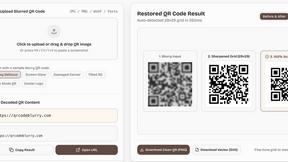
QSharpener
Is your QR code blurred or unreadable? Fix and scan blurred QR codes online with AI & mathematical deconvolution. Restore any blur QR code to crystal
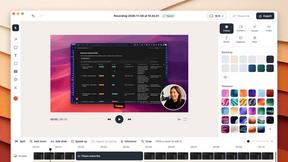
ScreenOtter
A Mac app for screen recordings and screenshots. A zoom on every click, captions made on your Mac, and eight camera layouts. Free to use, pay once.

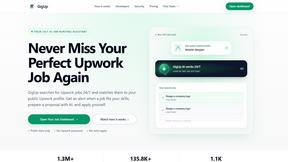
GigUp
GigUp helps freelancers discover relevant Upwork jobs through AI matching, automated monitoring, and instant alerts.

Greatooly
Greatooly is a curated directory of small, useful apps — discover focused tools for art, learning, money, health, travel and everyday life.

Safe Outreach
AI-powered platform that evaluates the safety of LinkedIn automation tools and helps reduce the risk of account restrictions.


How Long How Many Tool
Timers and hourly checks to figure how out long until a certain time or how many days away.
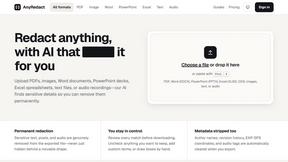
AnyRedact
Free online auto redaction tool with AI for PDFs, images, Word, PowerPoint, Excel, text and audio. Files are never stored.

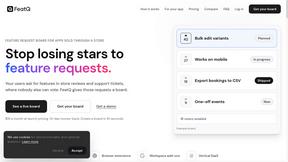
FeatQ
Feature request boards for software teams. Customers vote with just an email; your coding agent pulls the top request over MCP.
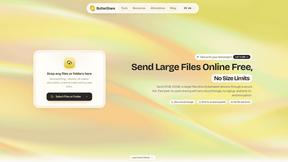
ButterShare
Realtime peer-to-peer file transfer in the browser. Send files directly between devices, no account and no upload to a server.
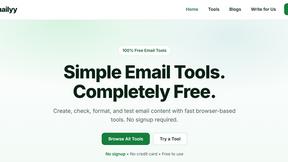
Emailyy
Free email tools for signatures, subject lines, HTML previews, word counts, and email headers. Browser-based, simple to use, and no signup required.
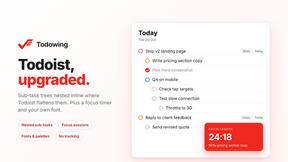
Todowing
Chrome extension that nests Todoist sub-tasks inline in Today, Upcoming, Filters and Labels, where Todoist shows them flat.

Uniclip
Clip pages, take full-page screenshots and batch-capture list data to Notion, Feishu, Obsidian, Markdown, CSV or JSON.
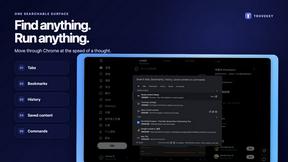
TroveKey
Search tabs, Chrome bookmarks and history, run browser commands, and save webpages and social posts locally—no account.
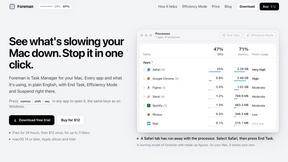
Foreman
See every app and what it's using in plain English, and end or slow down the one that's hogging your Mac.
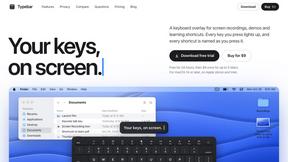
Typebar
Every key you press lights up on an on-screen keyboard, and each shortcut is named. For screen recordings, demos and learning shortcuts.
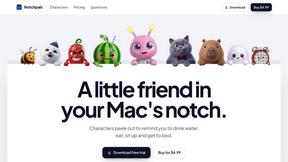
Notchpals
Little characters peek out of your Mac's notch to remind you to drink water, eat, sit up and get to bed. Quiet during calls. $4.99 once.

LightScreen
Free fullscreen light screen tool online. Turn any display into a flashlight, ambient light, or solid-color screen. No download or sign-up.
About Never Drop Alternatives
Never Drop is a lead capture and follow-up automation tool in the productivity and management category. It helps sales professionals instantly digitize business cards and generate AI-powered follow-up emails to secure more deals from networking events. Users often explore alternatives for various reasons. These can include budget constraints, the need for different feature sets like more advanced CRM integrations or team collaboration tools, or simply a preference for a platform that aligns with a different existing software ecosystem. When evaluating other options, key considerations should be core functionality like card scanning accuracy, the quality and customizability of automated follow-ups, and seamless integration with your current sales stack. The goal is to find a solution that effectively bridges the gap between capturing a lead and initiating a meaningful sales conversation.
FAQs about Never Drop Alternatives
What is Never Drop?
Never Drop is a lead-capture app that scans business cards and uses AI to draft personalized follow-up emails, designed for sales teams at events like trade shows and conferences.
Who is Never Drop for?
It is built for sales teams and professionals who operate in fast-paced networking environments and need to capture leads and manage follow-ups efficiently.
What are the main features of Never Drop?
Its main features include business card scanning, adding voice or text notes for context, AI-drafted follow-up emails, and integration with CRMs like HubSpot.
Why choose Never Drop?
Choose Never Drop to eliminate lost leads by instantly capturing contact details and automating personalized follow-up, ensuring no deal falls through the cracks after a handshake.