

Alternatives to Shrinkpad
Shrinkpad compresses images and videos on Mac effortlessly, saving space and time for creatives with automatic.
20 alternatives found
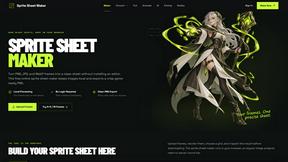
Sprite Sheet Maker
A free browser-based toolkit for creating, cutting, converting, and previewing sprite sheet animations.

Product Launch Checklist
A free launch checklist for SaaS, apps, AI tools and more. Every step says why it matters and when you can skip it.

AIEnhancer
Enhance photos, create images, and generate videos with flexible AI workflows and creative effects.

Qwen Image Edit
Qwen Image Edit Online for prompt-based image editing, background changes, text edits, product images, posters, and outpainting.

Nano Editor
NanoEditor is an AI-powered D&D portrait generator that turns character details like ancestry, class and gear into focused fantasy RPG art.
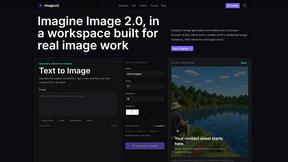
Imagine2
Private browser-based AI image generation and editing with text-to-image, targeted edits, and multi-image references.

Kogashitsuka AI
An online AI image tool that enhances photos and illustrations at their original size or upscales them by 2x or 4x.

Photo to Excel
Turn table photos and screenshots into editable Excel files with Photo to Excel. Merge images, remove duplicates, preview, download free.


IsThisAIImage
Free online AI image and deepfake checker. Upload a photo for AI-generated and deepfake scores, a clear verdict, and optional generator hints.
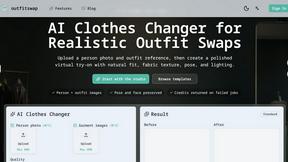
outfitswap
Stop struggling with unrealistic outfit previews when outfitswap preserves pose, lighting, and fabric texture for authentic virtual try-ons.

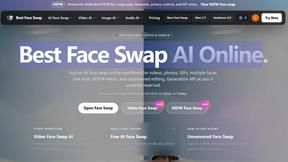
Best Face Swap
Swap faces in photos and videos with frame-consistent AI, from free trials to NSFW and API-ready workflows.
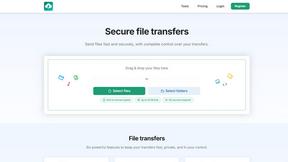
HypeShare
Stop struggling with bulky files and account barriers; HypeShare lets you send up to 10GB securely with end-to-end encryption and no signup required.

Ideogram 4.0 AI
Stop struggling with AI image tools that mangle text and layouts; Ideogram 4.0 AI lets you generate precise 2K visuals with accurate typography and.
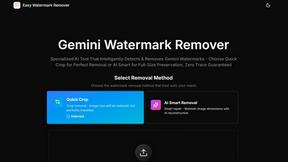
Easy Watermark Remover
Remove Gemini watermarks instantly with AI Smart Removal or Quick Crop, no signup needed, preserving full image quality or perfectly trimming the.

Sora2 Hub
Stop juggling multiple AI tools when Sora2 Hub unifies Sora 2, Veo 3.1, and Kling AI to generate watermark-free videos and images from one.

Art & See Custom Oil Painting Portraits
Turn cherished photos into heirloom-quality custom oil portraits that capture every detail your loved ones will treasure forever.

Nano Banana
Stop struggling with complex editing software and create stunning images simply by chatting with Nano Banana's powerful AI.
About Shrinkpad Alternatives
Shrinkpad is a native macOS application that specializes in compressing images and videos to optimize storage and streamline workflows for creators. It addresses the common problem of managing large media files which can bog down both devices and applications. Users often seek alternatives to Shrinkpad due to various reasons, including pricing, specific feature requirements, or compatibility with different platforms. When exploring options, it's crucial to consider factors such as privacy, batch processing capabilities, and overall ease of use to ensure that the alternative meets your unique needs. As the demand for efficient media management continues to grow, finding the right compression tool is vital for photographers, designers, and content creators. Look for alternatives that not only offer similar compression rates but also prioritize user privacy and provide a seamless, intuitive interface. Ultimately, the best choice will align with your workflow requirements while guaranteeing the preservation of visual quality in your media files.
FAQs about Shrinkpad Alternatives
What is Shrinkpad?
Shrinkpad is a macOS application designed for compressing images and videos to save disk space and enhance workflow efficiency.
Who is Shrinkpad for?
Shrinkpad is ideal for photographers, designers, developers, and content creators who need to manage large media files effectively.
Is Shrinkpad free?
Shrinkpad is not free; it is a paid application that offers advanced features for media compression.
What are the main features of Shrinkpad?
Shrinkpad offers local, privacy-first processing, intelligent batch and folder compression, and significant file size reductions while maintaining visual quality.